
Katarzyna Pawlak
•Feb 22, 2026
Read how to display workflow on the Customer Portal and visualize request progress in JSM. Transform static workflow statuses into a clear ticket lifecycle to boost customer trust and reduce support volume.

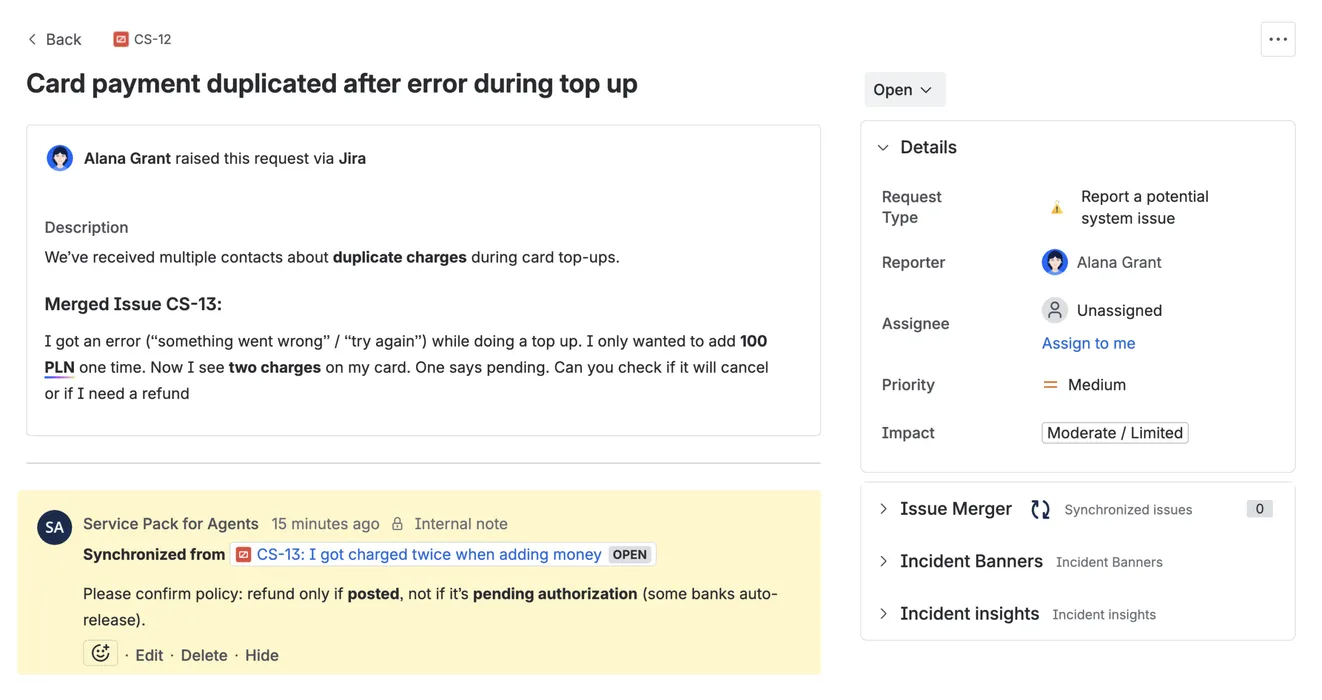
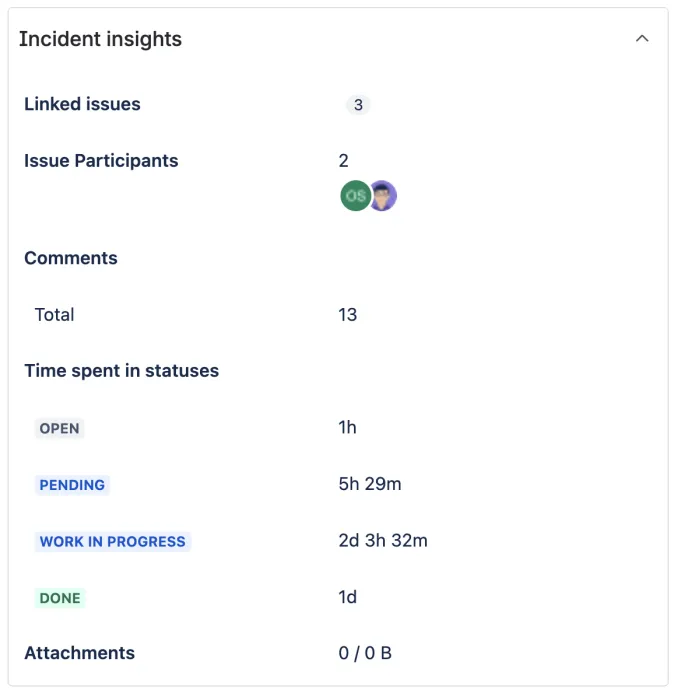
Instantly merge Jira issues, sync comments and run Jira bulk actions – resolve service incidents faster

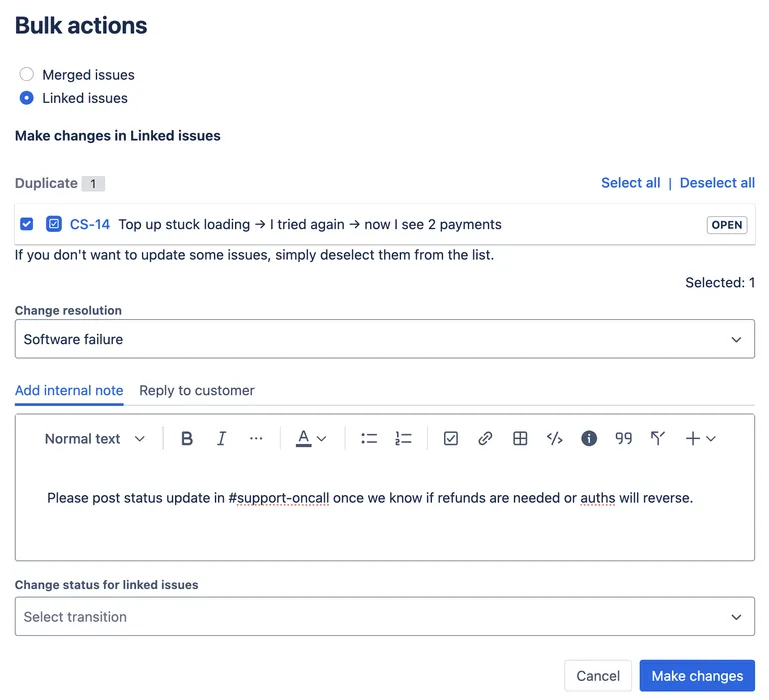
Standardize repetitive work with presets and guided actions, ensuring merges or updates happen consistently and safely every time.
Automate merges and execute bulk actions in seconds. Clear queues faster and focus on resolutions, not administrative tasks.
Instantly handle duplicates with Jira merge issues and streamline linked work so your backlog stays tidy and priorities are always clear.
Reduce context switching with an all-in-one toolkit. Merge, sync and run bulk actions without ever leaving Jira work item view.
Automatic comment synchronization and incident banners keep agents, developers, and customers perfectly aligned throughout the entire lifecycle.
Automatic updates on merged and linked issues ensure that no stakeholder - internal or external - ever misses a change or decision.
Super easy to install and configure. The Appsvio team went above and beyond to give us support and help us customize their product for our specific workflow. Sent them an email and they scheduled a call for the same day where they took a look at our setup and guide us in the right direction. Highly recommend!

Nico Prieto
Couldn't get the automated rule to work initially but 20 minutes with the support team over Zoom got this sorted. This is such a handy app to have and will save me time manually closing down the duplicates that come in. Well done.

Claire Port
Merge Issues
Bulk Actions
Comments Sync
Incident Insights Panel
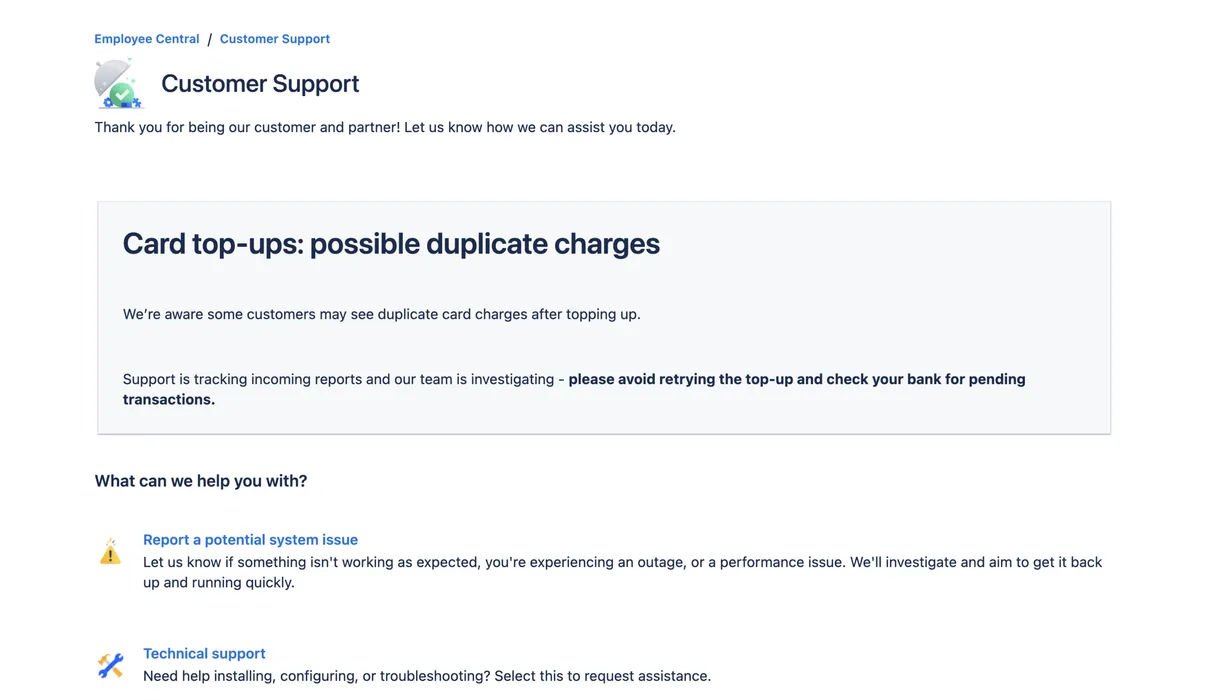
Incident Banners
Support
Customer Support
Gluon is a powerful app for Jira Service Management designed for large organizations. Coming before Team26.
Get quick answers on Service Pack and how to use the app
Katarzyna Pawlak
•Feb 22, 2026
Read how to display workflow on the Customer Portal and visualize request progress in JSM. Transform static workflow statuses into a clear ticket lifecycle to boost customer trust and reduce support volume.
Katarzyna Pawlak
•Jan 14, 2026
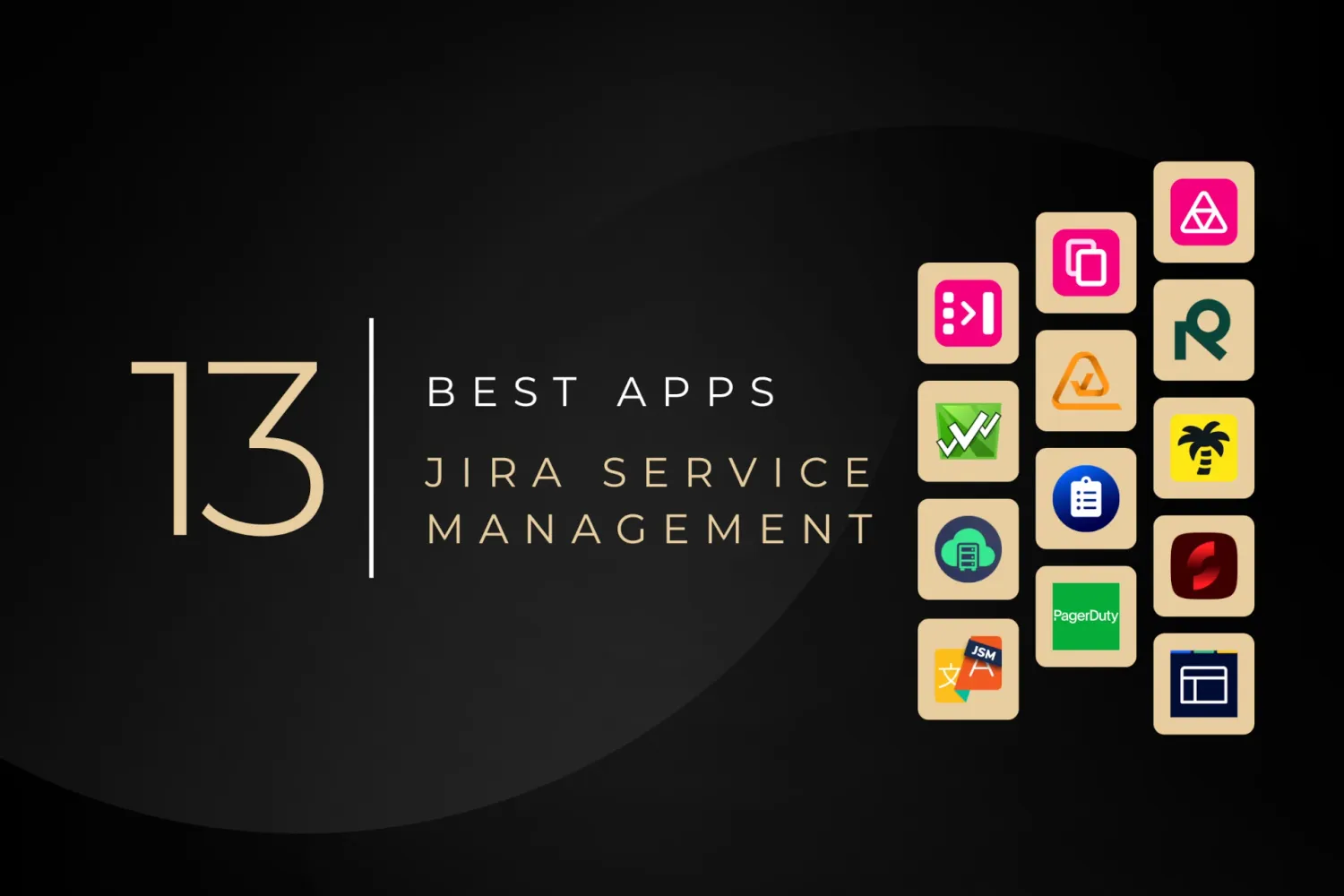
Discover the best apps for Jira Service Management in 2026 to improve customer portals, streamline ITSM workflows, and boost agent productivity

Katarzyna Pawlak
•Sep 12, 2025
Read our guide on The Unified Workflow Playbook: 5-Team Guide to HubSpot & Jira on the Appsvio blog.
Appsvio apps streamline Jira Service Management and testing processes for global teams. Recognized as Atlassian’s Partner of the Year in ITSM App Solutions for 2023 and nominated in High Velocity Service Management Apps in 2025.




Copyright 2026 Appsvio. All Rights Reserved. This website does not use cookies.