Merge with Rovo
Info
For this feature, you need access to an Atlassian product - Rovo. Find out more here.
- Access the Rovo Agent, Merge Issues, by clicking the “Chat” button in the upper right corner.
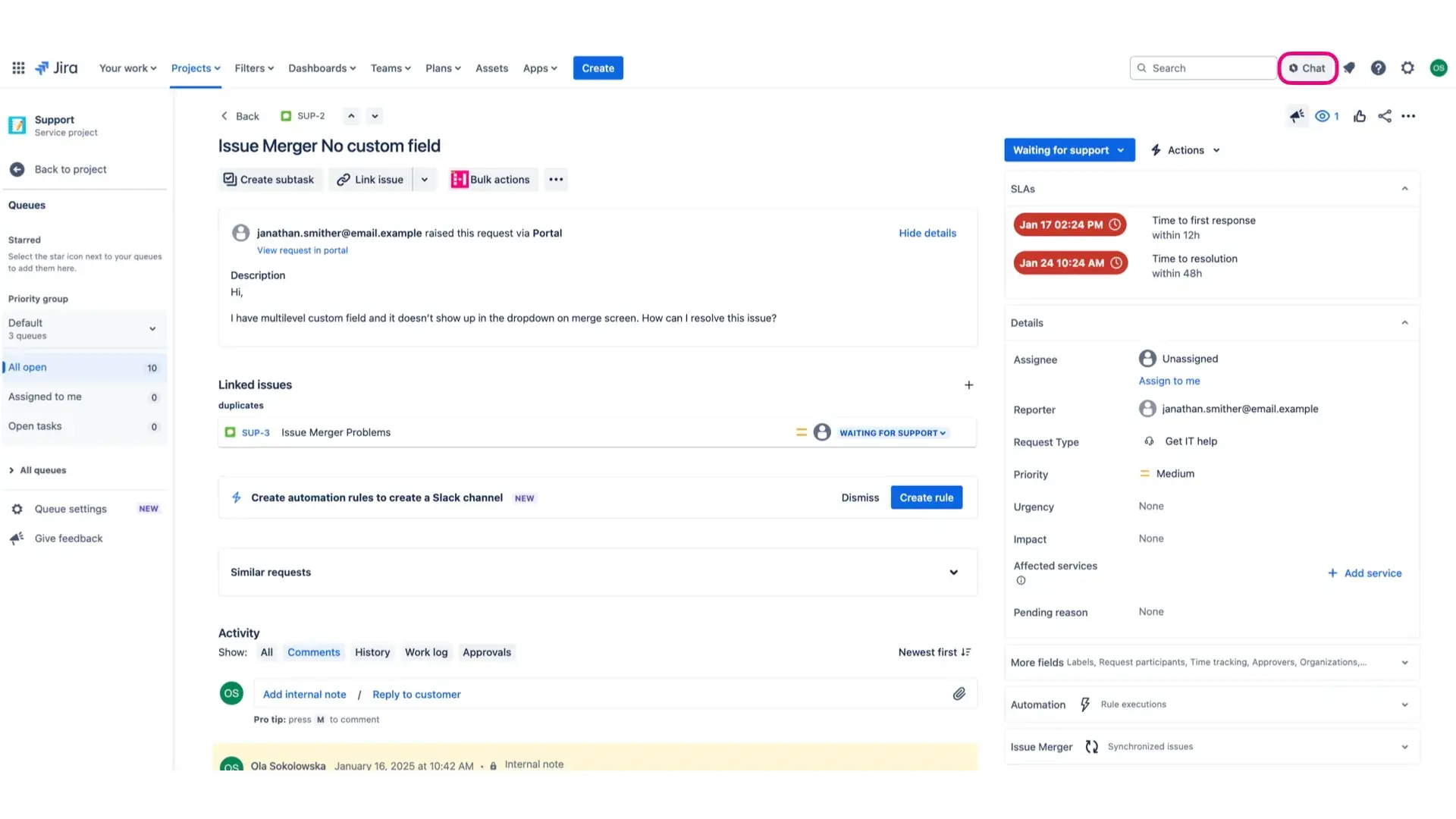
- In the newly opened window, click the “Chat” button and go to “Browse Agents”. Search “Merge Issues” and select our dedicated Rovo Agent.

- In order to identify similar issues in your queue or backlog, ask the Agent to “Find similar issues [issue key and number]”.
- The Agent will search through your tickets and share with you a thorough analysis, which includes following information (but is not limited to): list of similar issues, summary of the main incident and suggestion of merge basis.

- Based on gathered information, decide which issues should be merged. In order to complete this action, write the command: “Merge [issue key and number] to [issue key and number]”.
- Once finished, go into issue selected to be the target one and access your merged requests.