Global settings
How to configure the global settings?
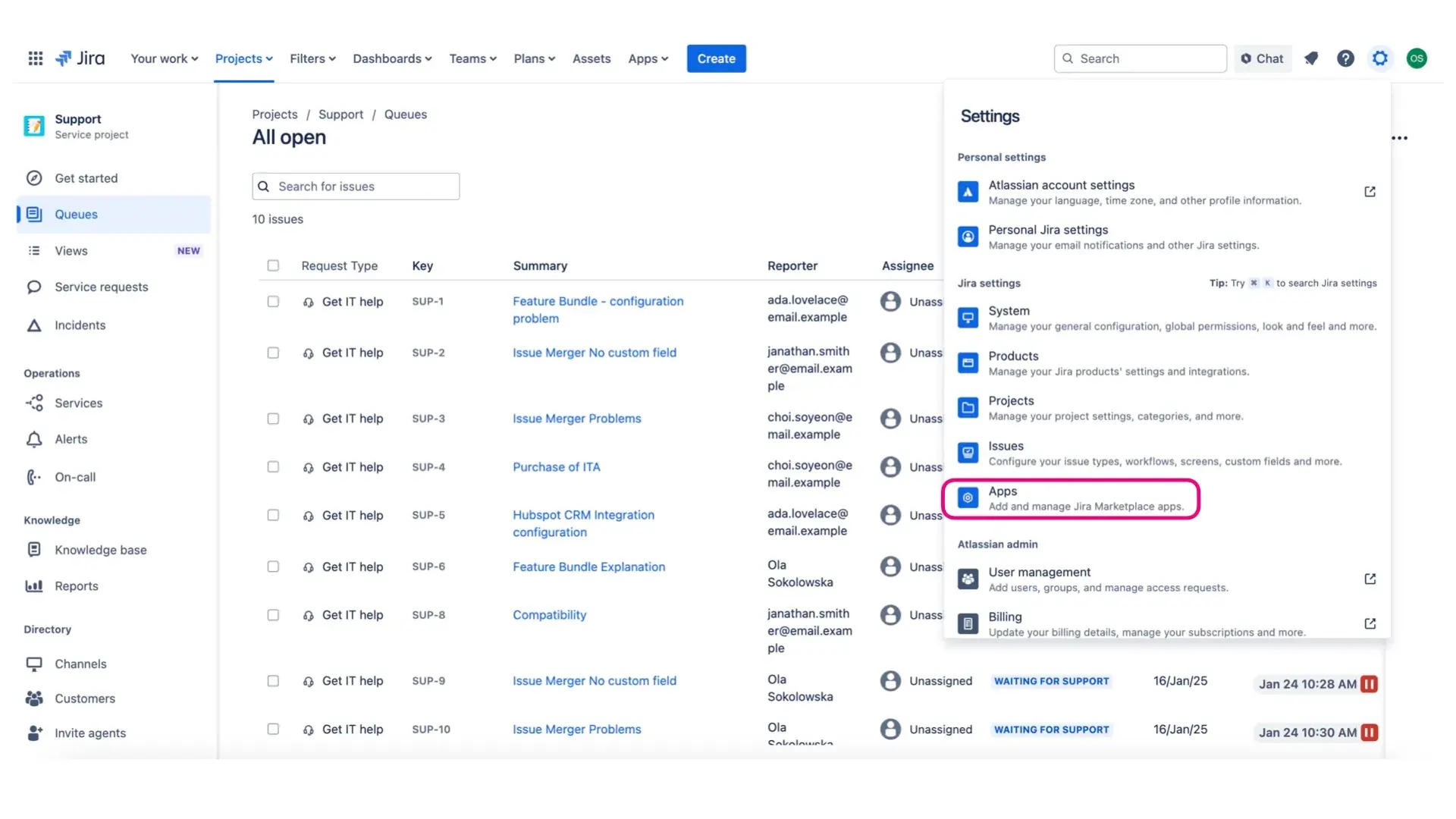
- Go to Settings (the cog icon) and select Marketplace Apps.
- Select Service Pack for Agents and open Issue Merger Configuration.
There are 3 tabs on this page: Merging Settings, Merge Issues Screen, and Actions after Merge. Below, we explain each tab in detail.
Merging settings

Project Roles: Limits the merge feature to selected project roles. When this field is empty, all users can perform merge actions.
Target Issue Status: Limits target issues to those in this particular status only. When this field is empty, any issue can be selected as the target issue.
Description Format: If you are merging the description in append mode, you can define how it will be formatted on the target issue.
Default text:
{sourceIssueKey}:{sourceDescription}{targetIssueKey}:{targetDescription}You can use the following variables:
{sourceIssueKey},{sourceDescription},{targetIssueKey},{targetDescription}.Comment Format: If you are merging comments, you can define how they will be formatted.
Default text:
Originally at {sourceIssueKey} created by {author} at {createdDate}: {originalComment}Comment Merge Mode: Restricts comment merging. You can choose which kinds of comments to merge and define their visibility.
Projects: Choose the projects in which the merge functionality will be available. Leave empty to apply to all projects.
Merge issues screen

Merge Also: Choose fields that will be easily accessible for users.
We recommend choosing the most frequently merged fields. Once a field is added here, it will disappear from the inline “Select fields to merge” list.
Sync Next Comments: Below this toggle, you can select the Selected automatically when the screen opens checkbox. When it is checked, the Sync Next Comments toggle will be selected by default every time the Merge Issues screen opens.
Actions After Merge: Set the actions that will be available after merging. Once configured, these options will be available in the merge dialog.
Actions after merge

Link Issues: Automatically links merged issues to one another. The selected link is set on the source issue, while its opposite is set on the target issue.
Comment Mode: Sets the visibility of the comments added after a merge to Public (visible to customers) or Internal. Public is selected by default for service desk-type projects; for business and software projects, comments are always set to Internal mode.
Add Comment to Source Issue: Write a custom comment that will be added to the source issue after a successful merge.
Add Comment to Target Issue: Write a custom comment that will be added to the target issue after a successful merge.