Create a work item from a template
Before you start
- The template is enabled, assigned to the space and work type of your work item, and has Create view in its Application scope. See Create a template.
- The Template field is on the Create screen of the work type. In a company-managed space, the app adds it for you. In a team-managed space, an administrator adds it in the space settings.
- You can create work items in the space.
Steps
In the Jira navigation bar, select Create.
Choose the space and the work type of the new work item. If a template is available for that work type, the Template field appears.
In the Template field, select the template. Jira fills in the fields that the template defines and confirms it with the message Template has been applied. Depending on the dialog, the message appears under the field or behind an information icon at the end of the field.
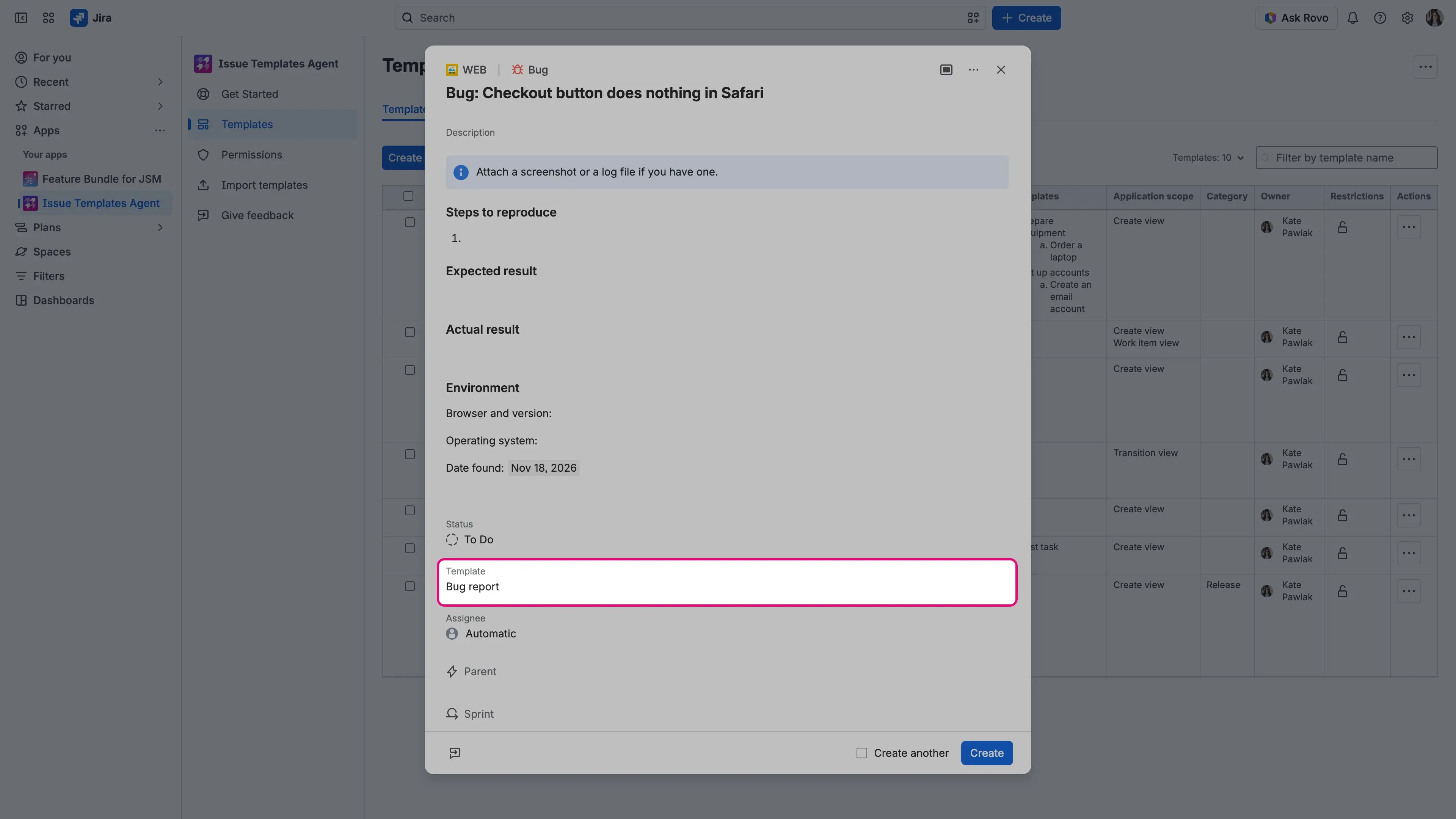
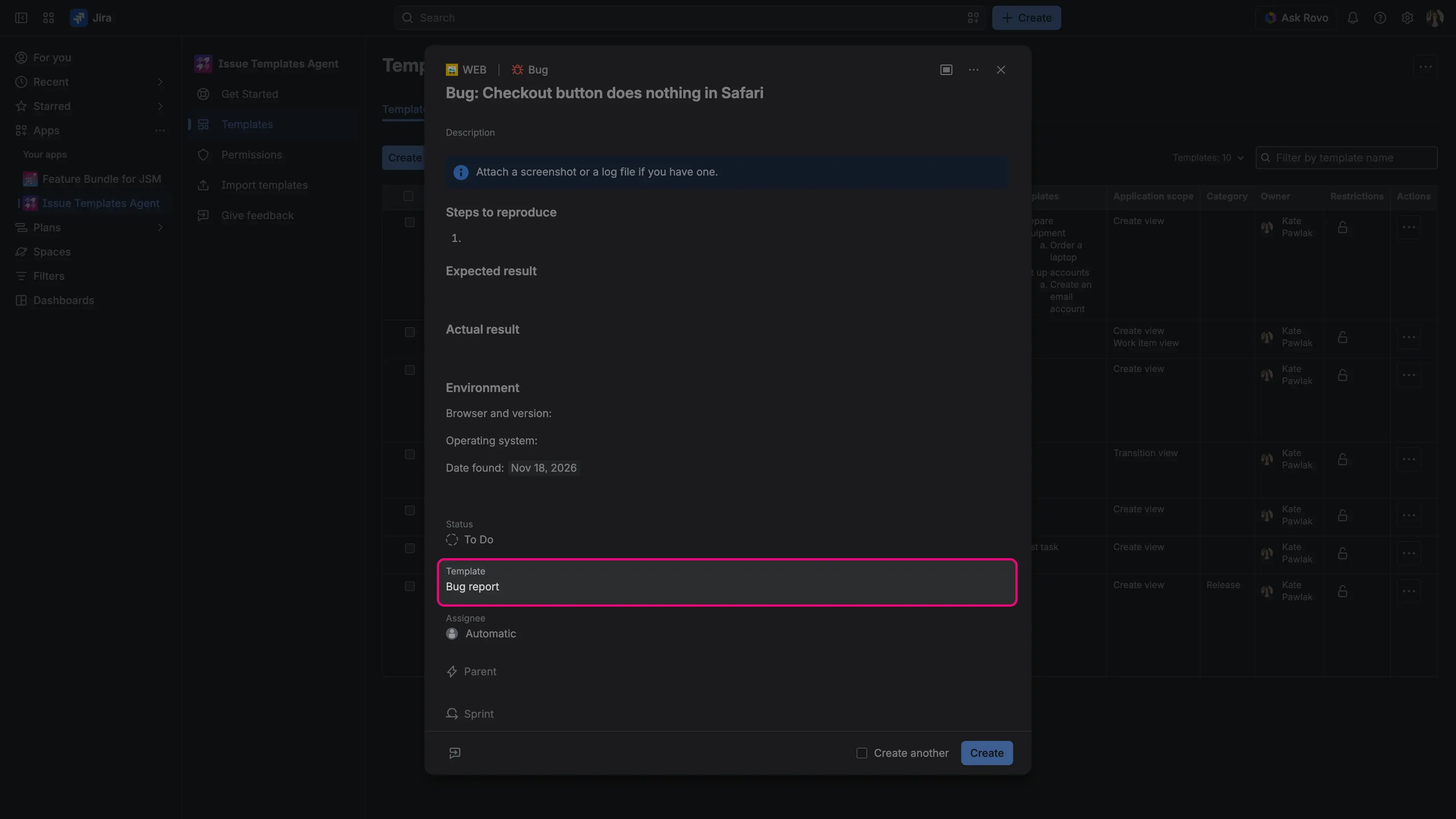
Review the values, and change any of them if you need to. If you change the work type, Jira clears a template that isn’t available for the new work type. The values that the template already filled in stay.
Select Create.


If a default template is set for the space and work type, Jira selects it when the dialog opens and the Template field is empty. You can choose another template or clear the field. See Default template.
Result
Jira creates the work item with the values from the template. If the template has child templates, the app creates the child work items in the background after the parent work item. Reload the parent work item to see them. See Template structure.