Install Issue Templates Agent
Before you start
A Jira site administrator installs the app. If you are not an administrator, you can request the app.
Steps
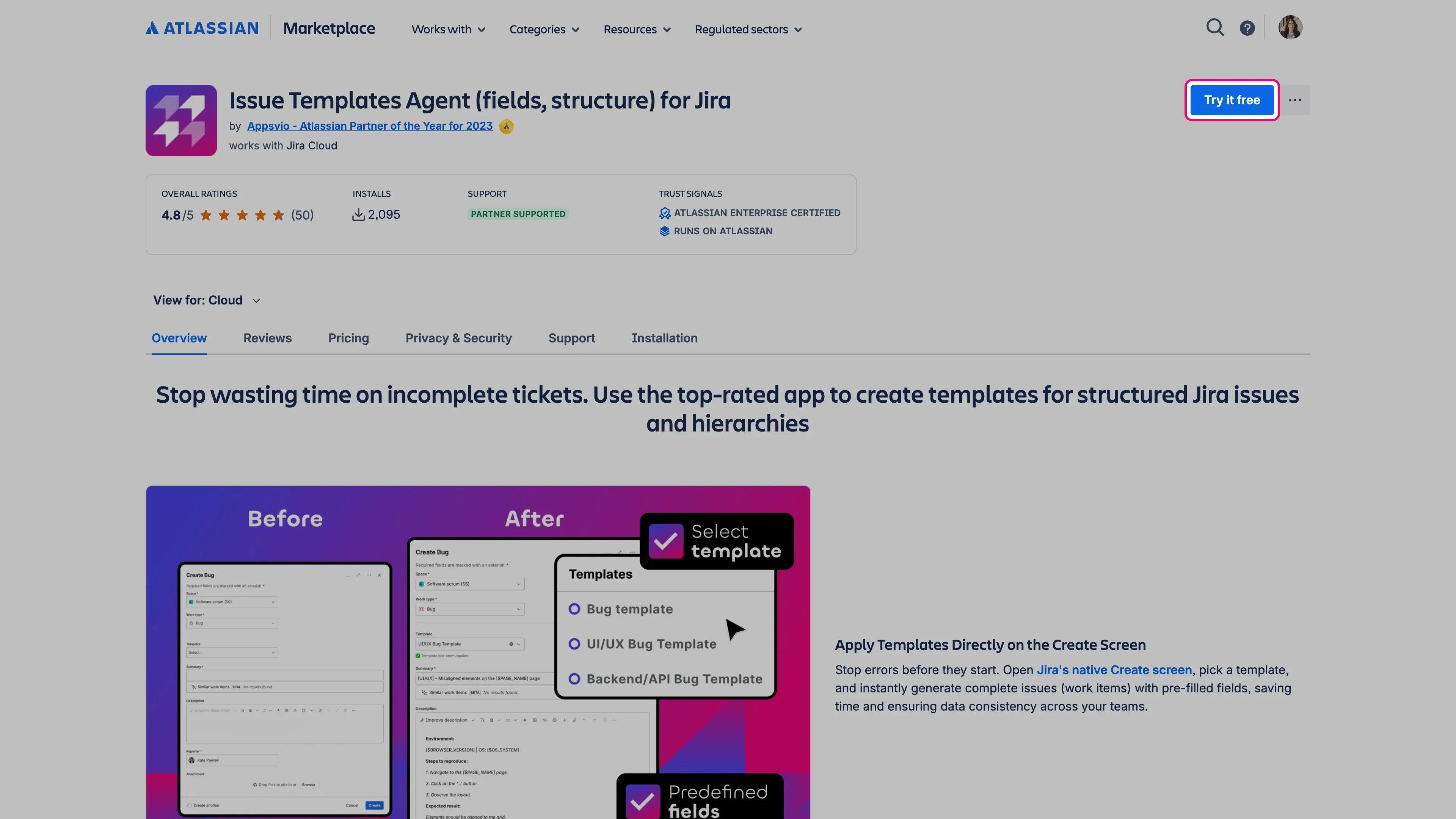
Open the Issue Templates Agent listing on the Atlassian Marketplace and select Try it free.
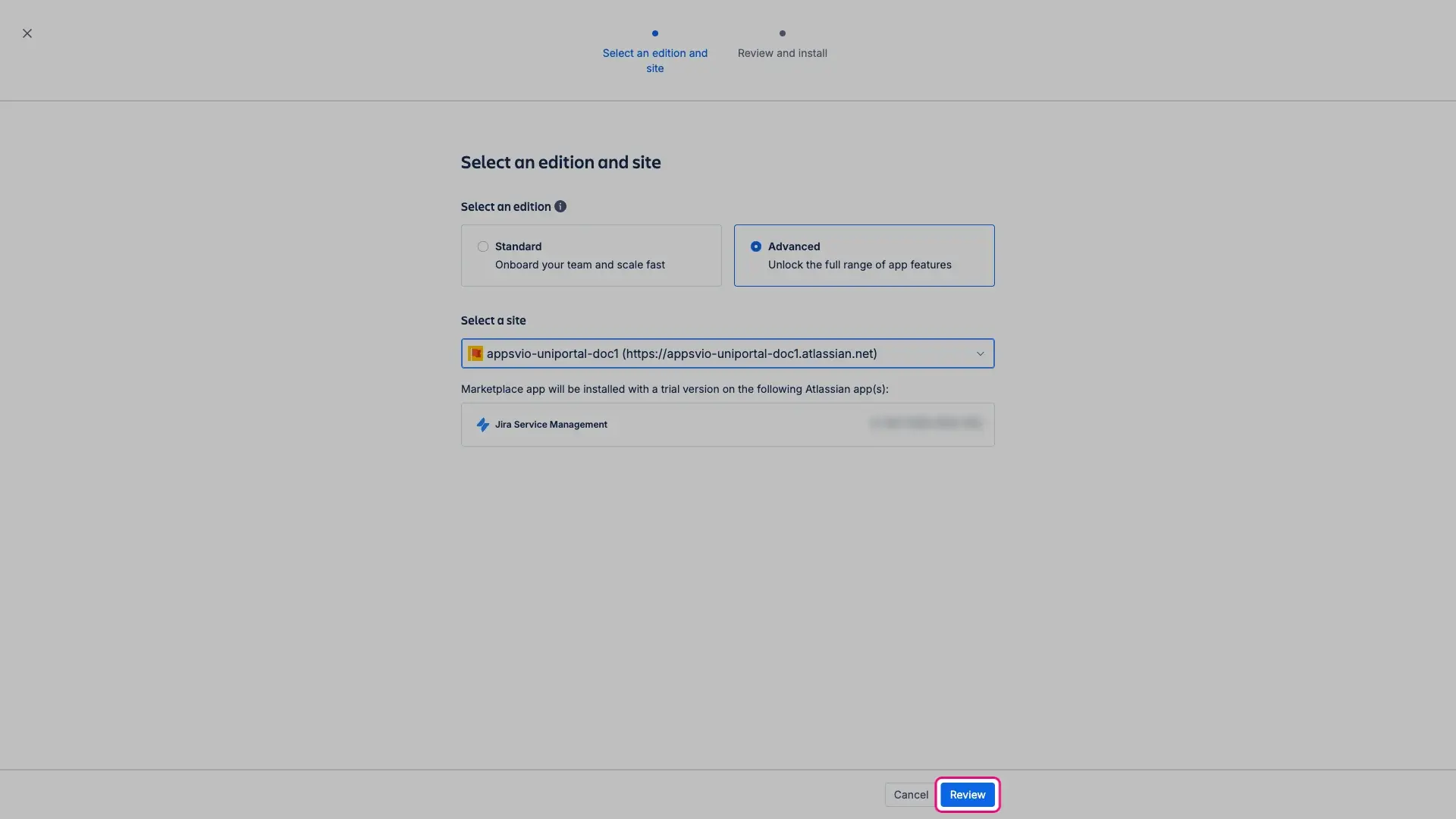
In Select an edition and site, choose Standard or Advanced under Select an edition.
Under Select a site, choose your Jira site, then select Review.
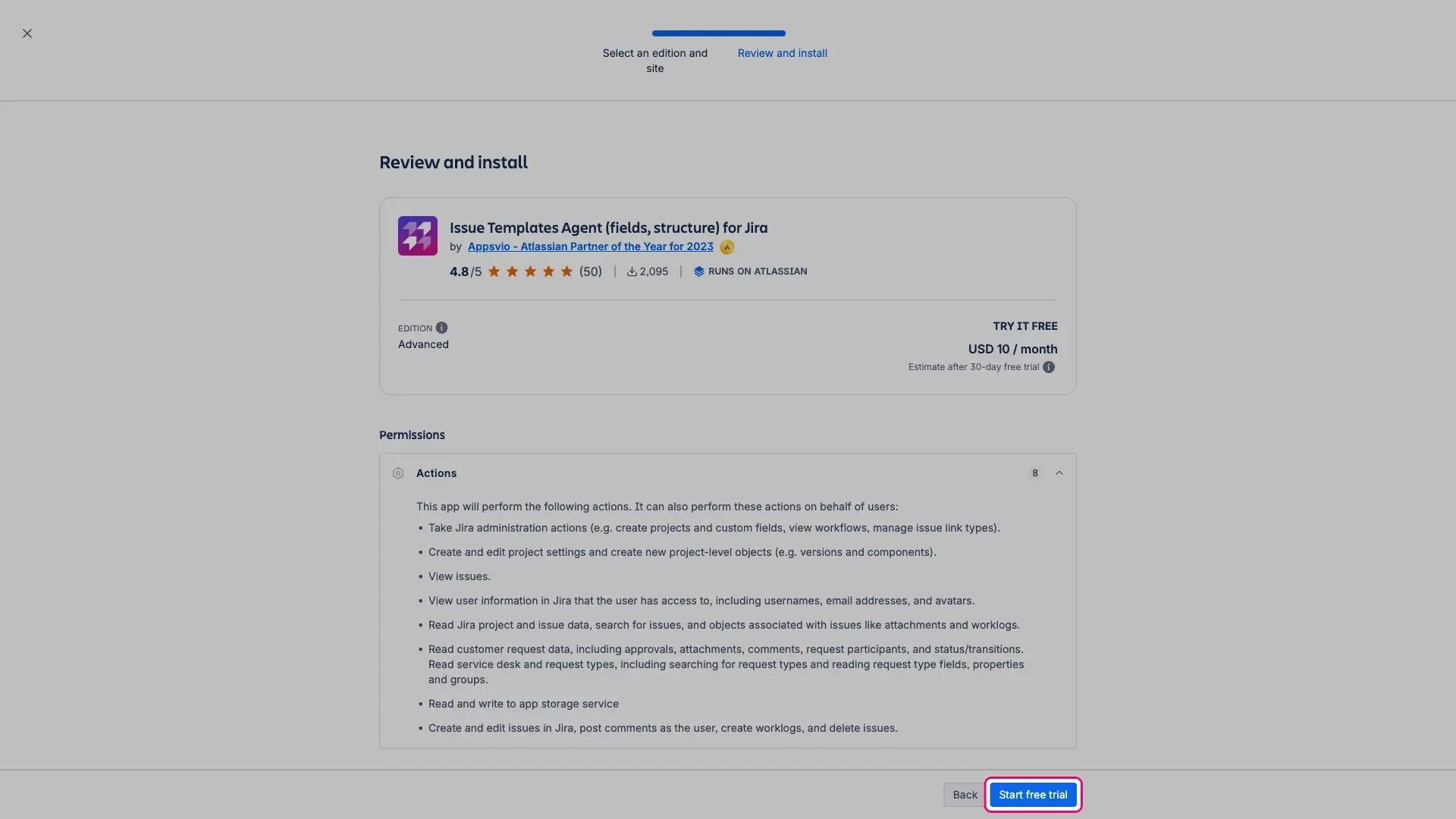
Check the edition and the permissions the app asks for, then select Start free trial.

You can start the trial of either edition and change the edition during or after the trial. See App Editions.
Government Cloud and Isolated Cloud
The steps above are for Jira Cloud. Installation works differently on Atlassian Government Cloud and Atlassian Isolated Cloud.
Result
After you select Start free trial, Jira opens the app page with a message that it is adding the app. This takes a moment. Then Issue Templates Agent is installed on your site and appears in the left menu of the Apps screen in the Jira settings.

Next, create your first template.