Templates on Issue view
Issue Templates Agent allows for the application of Jira issue templates to existing tickets. This ensures active tasks are quickly filled with structured data or expanded with child issues. This flexibility helps maintain a high-quality user story format and clear documentation throughout the project lifecycle.
Template scope requirement
For a template to appear as an option within a transition dialog, the Transition view scope must be enabled in the General settings tab of that specific Jira ticket template configuration.
How to apply a template to an existing issue
The application process is handled directly within the standard Jira issue screen:
- Look for the Templates field, usually positioned in the right-hand panel of the issue view. However, it all depends on the configured issue layout - for more details, visit this page.
- Click the field to view the list of available Jira templates. Results can be filtered by typing the name of the desired Jira story or other task structure.
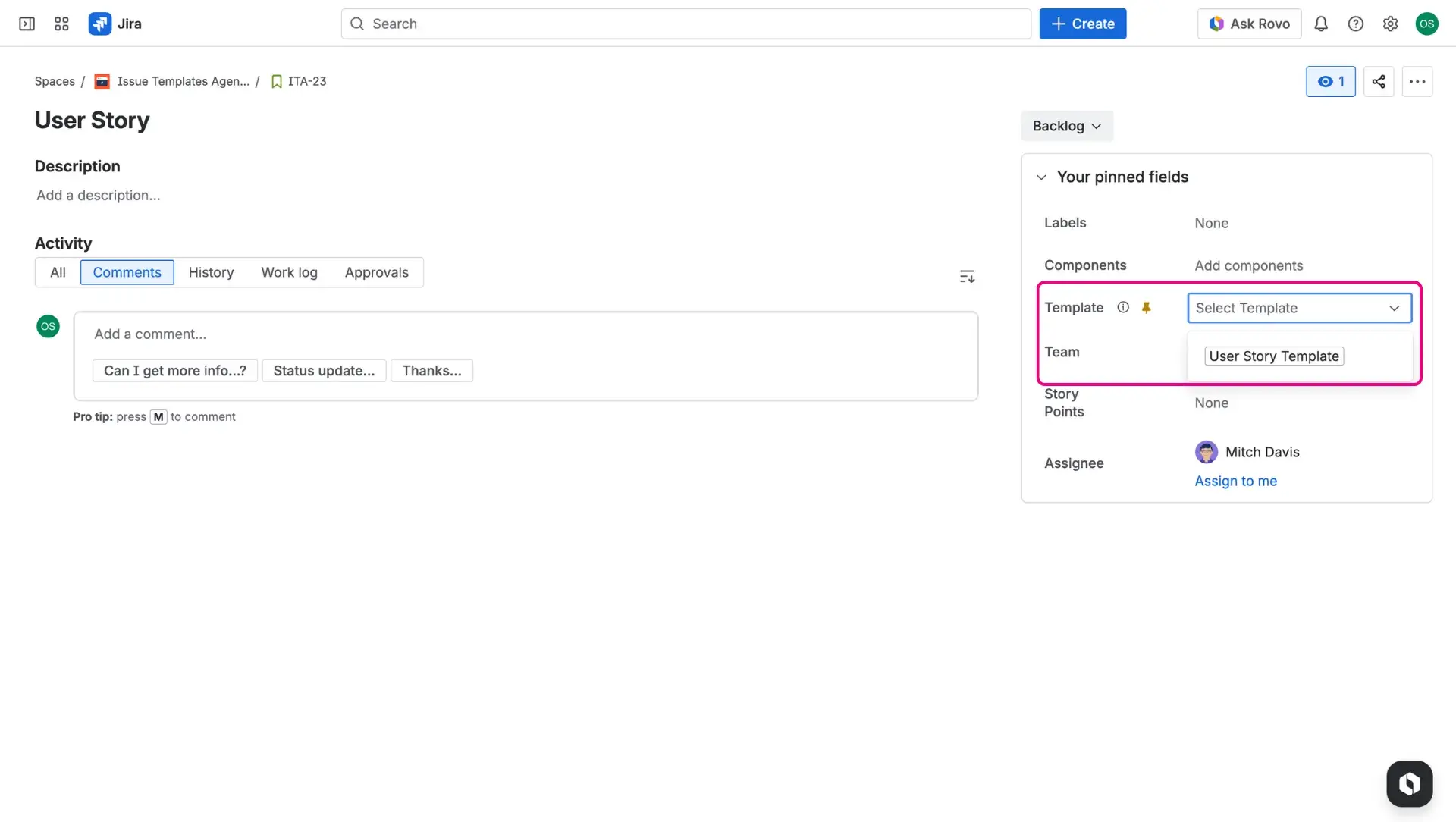
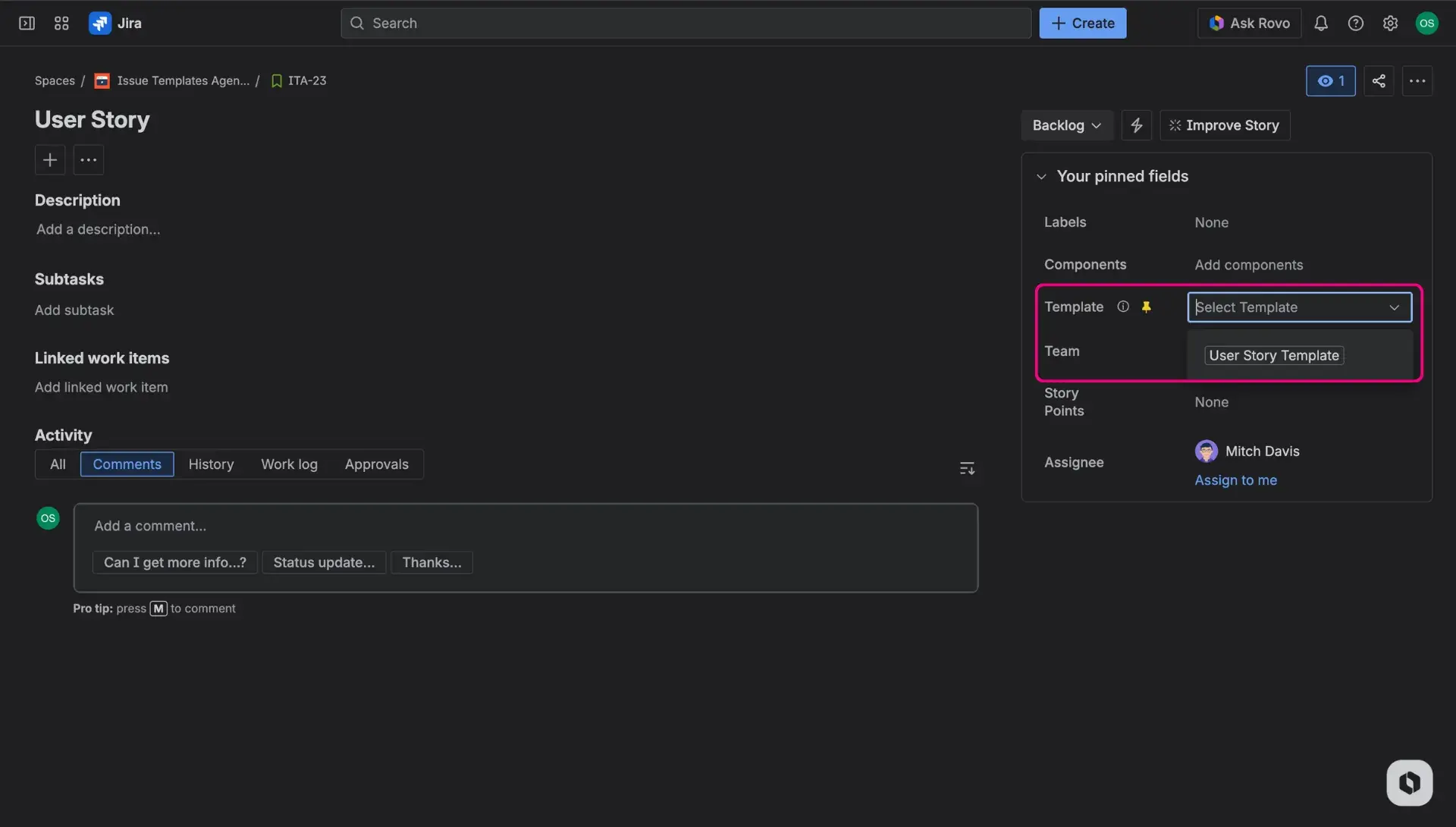
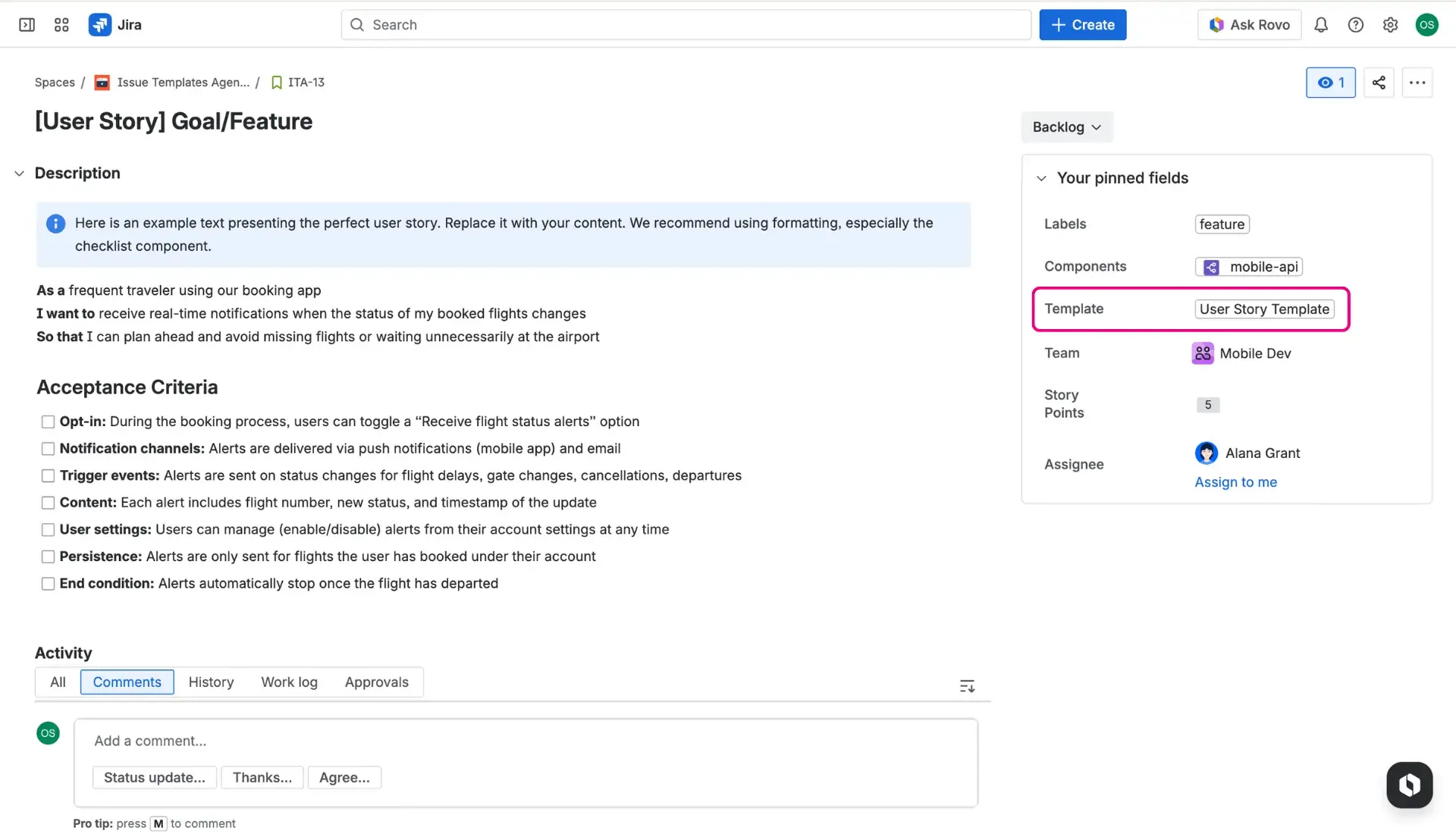
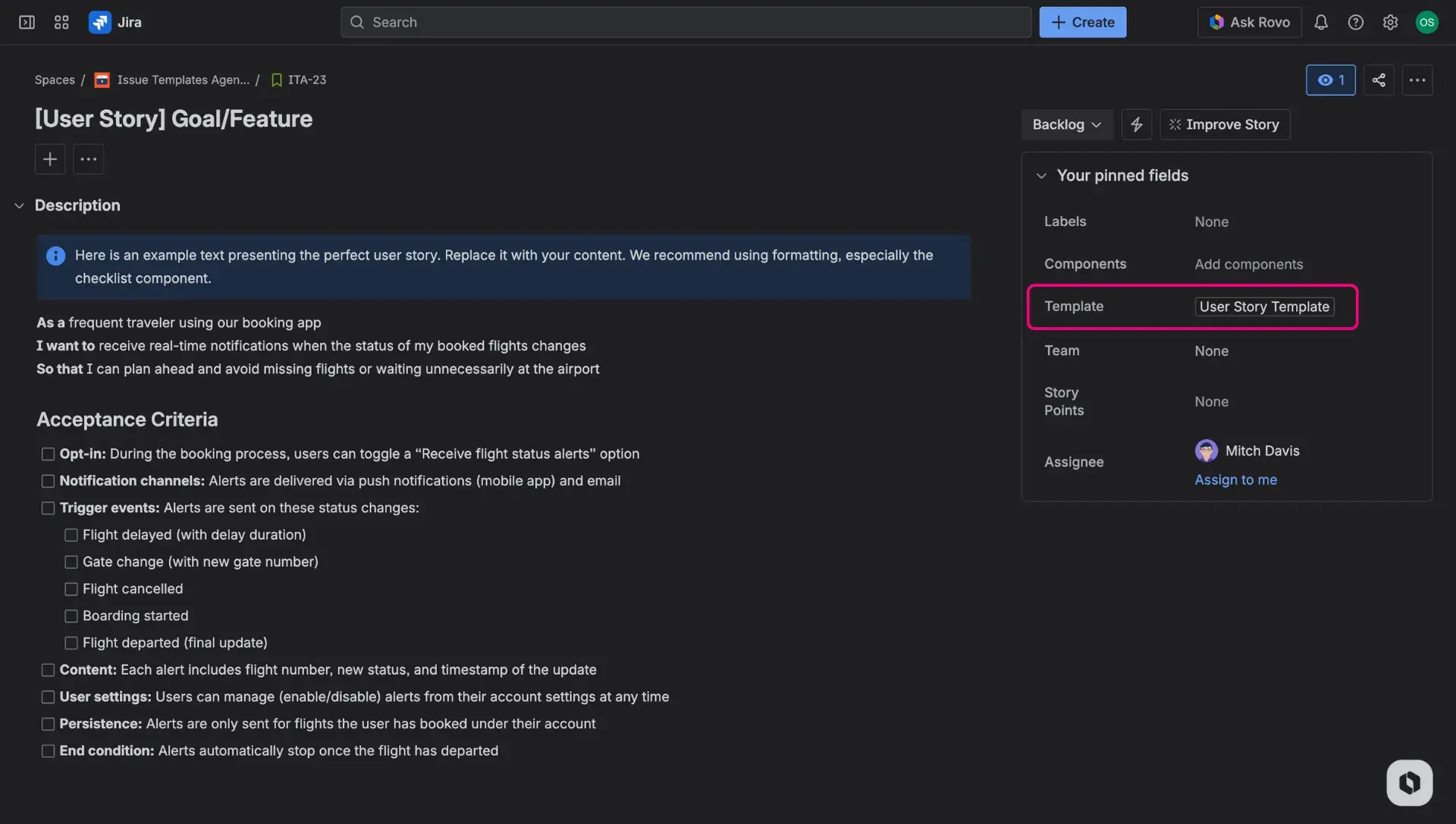
- Upon selection, the screen reloads to implement the template data. If any value was present previously in the issue fields, template application will override it.
Is the Template field missing?
If the field is missing, the More options (three-dot) menu > Find your field can be checked out. The screen configuration should also be verified to ensure the field is included.
Automating Child items and hierarchies
Applying a Simple or Advanced template to an existing issue allows for the automatic creation of structured tasks. This method is an efficient way to create subtask sets or linked tasks within an active project.
Requirements for structured application
Several conditions must be met to create child items from the issue view:
- Template type: The selected item must be a Simple or Advanced template that includes a defined child structure.
- Issue (work) type alignment: Templates only work with the specific issue types chosen in the settings. For example, Jira epic templates can only be applied to existing epics. If an epic-level structure is applied to a standard task, child items will not be generated unless that issue type is supported in the configuration.
Execution process
When a structured template is selected, the application reloads the page. After the reload, all defined child items are automatically created and linked to the parent issue. This follows the hierarchy established in the Jira issue templates settings.