Audit log
Advanced plan feature
This feature is a part of our Advanced plan. If you are interested, check out this version on Atlassian Marketplace.
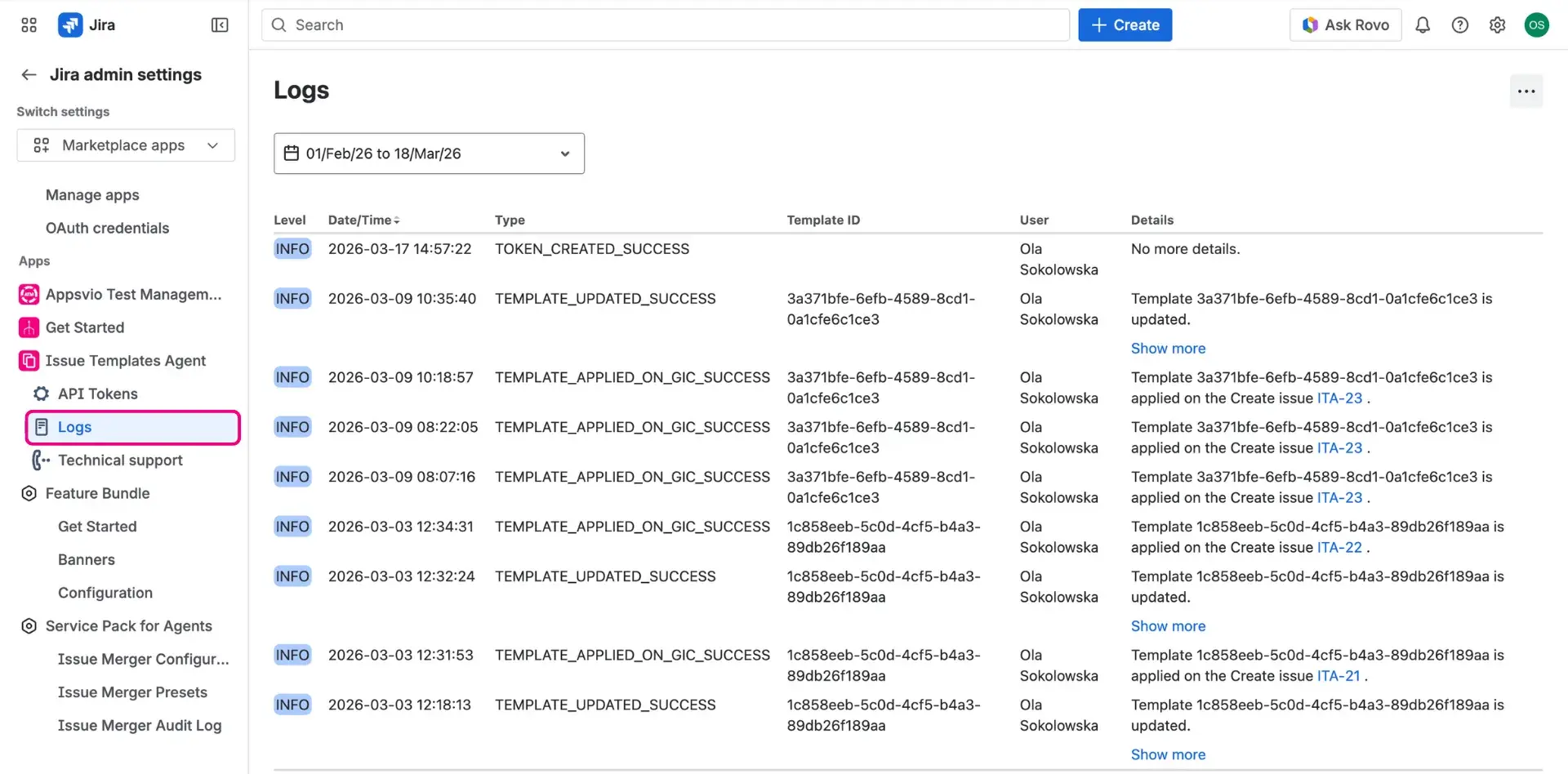
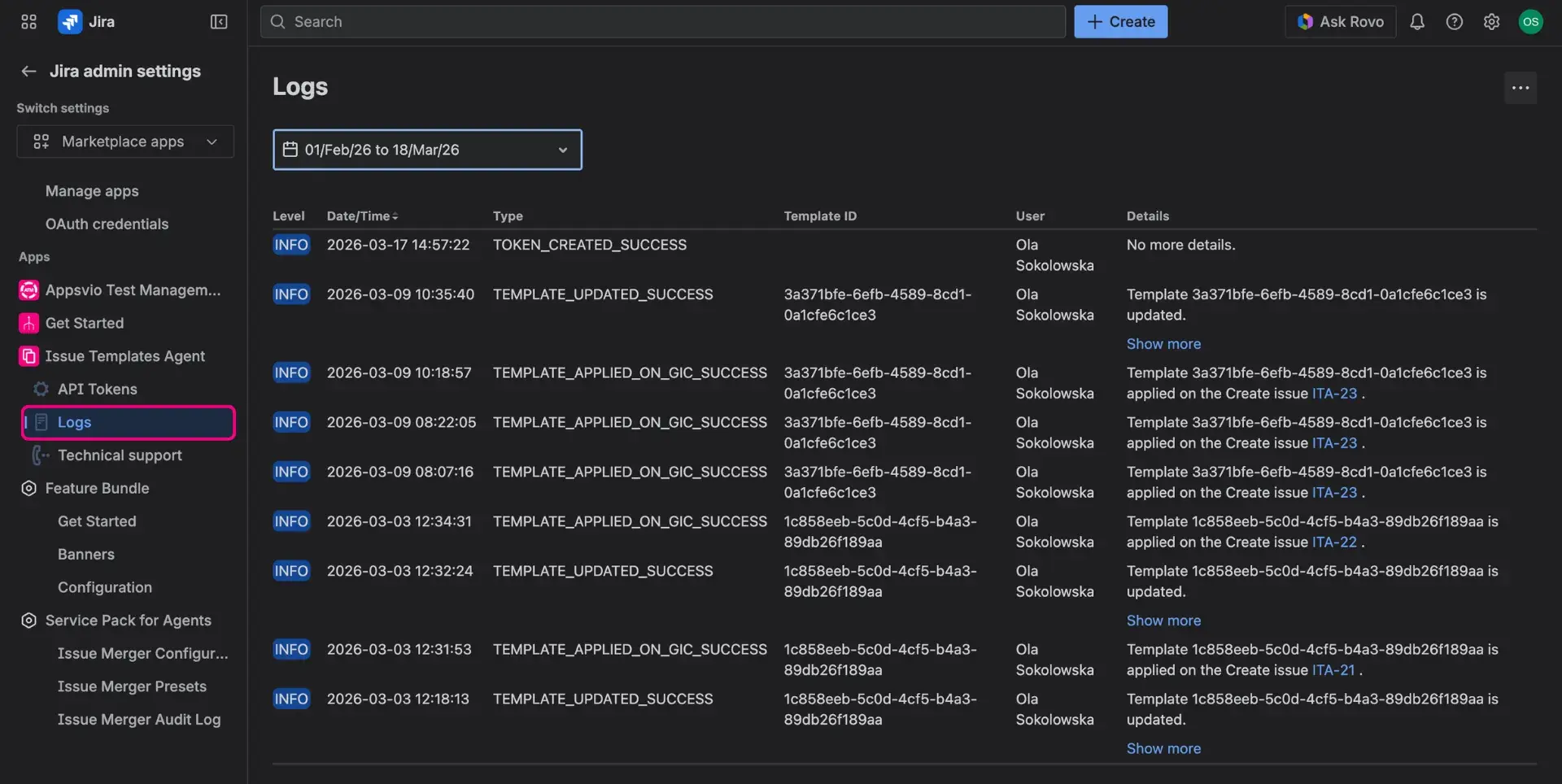
Audit log provides a transparent history of how Jira issue templates are used and modified. This centralized record monitors template performance and tracks changes to ensure organizational consistency.
The log displays technical details regarding the application of any Jira issue templates:
- Identification: Includes the template type, name, and unique ID.
- Usage: Lists the specific user who triggered the template application.
- Status levels:
- Info: Confirms the template was applied successfully.
- Error: Indicates technical difficulties occurred during the application process.
How to access Audit log?
Remember
In order to access the log, you need to be a Jira adminstrator.
- On the left-side panel, select Issue Templates Agent > Audit log.

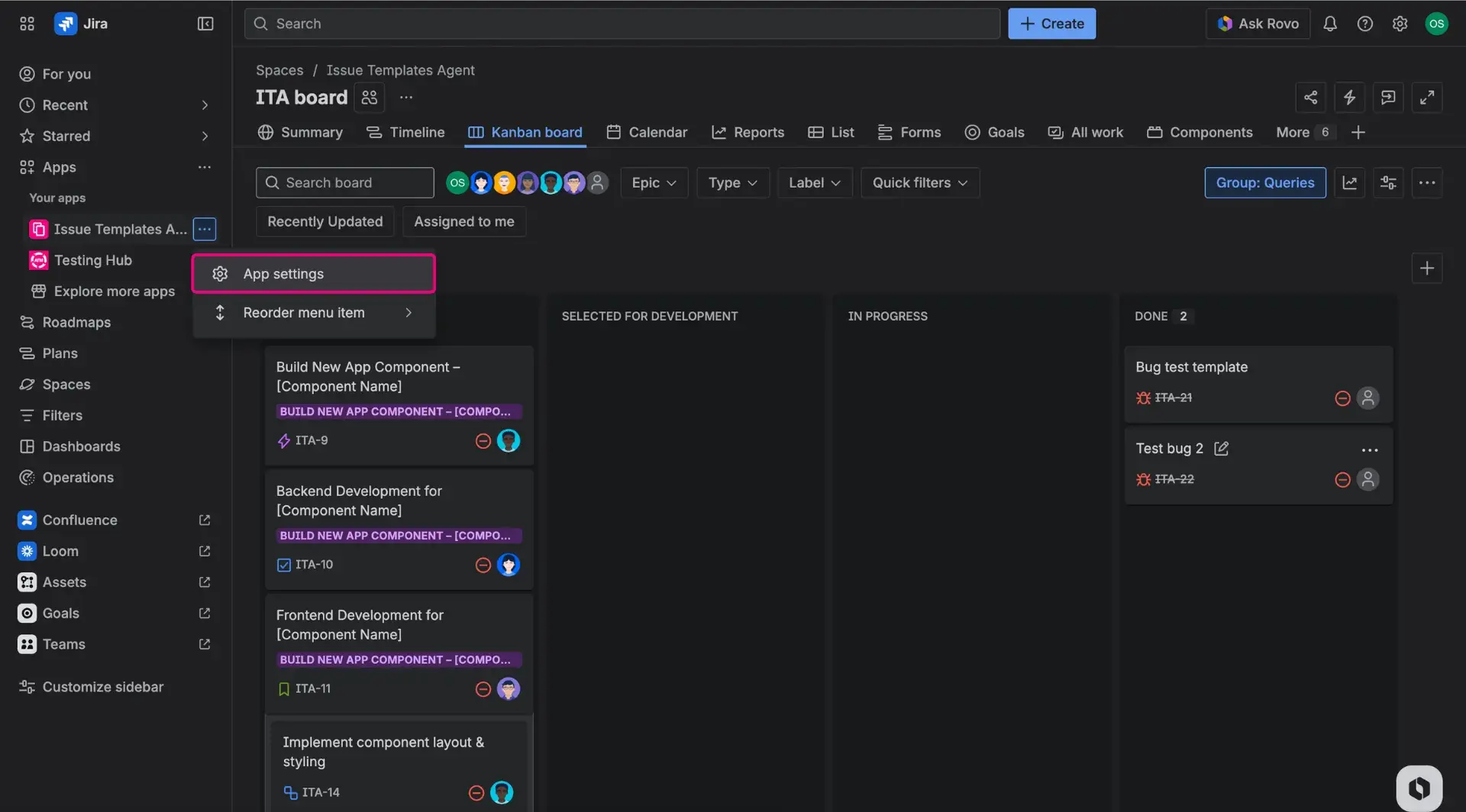
- From the list, select the Log field to open it.
- Check the logs for needed time period. You can also choose custom time.