Create new projects with issues
Starting every new team with a consistent setup is essential for organizational growth. Automating the creation of baseline issues - such as “Welcome” epics or foundational Jira project templates - ensures no project starts as a blank slate. This approach to automated Jira issue creation removes the need for manual setup. Teams can begin working immediately with a Jira ticket template library already in place.
Generating the API token
A secure connection is required for the automation engine to add issues to a new project. This involves generating a unique API Token for the specific Jira issue templates used for project initialization.
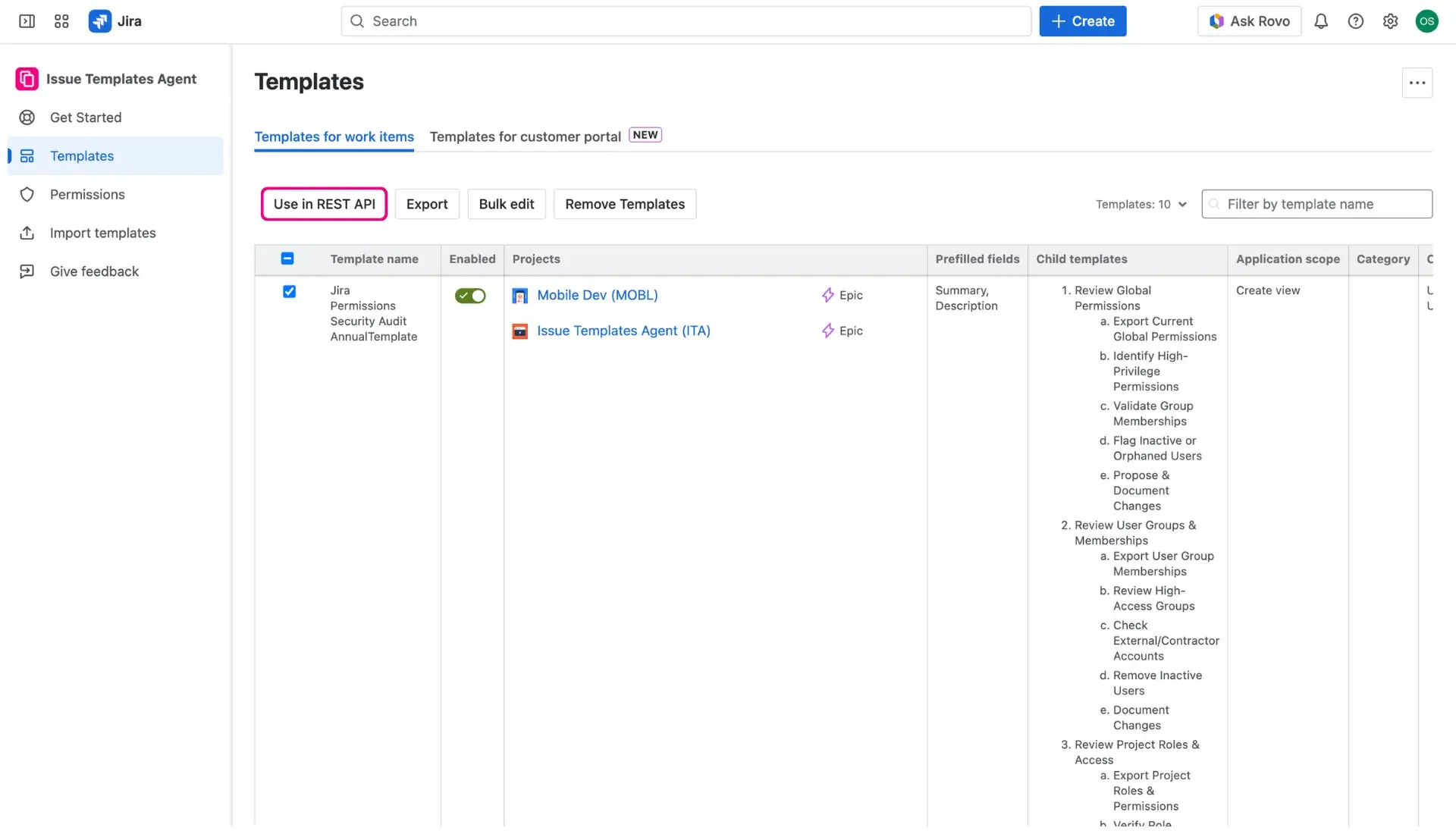
- Navigate to the Apps menu, select Issue Templates Agent > Templates.
- In the Template library, select the templates intended for automation by checking the boxes in the first column.
- Click the Use in REST API button located above the table.
- In the new window, create a label for the token and click the plus-sign button to generate the token.
- Save the REST API URL, the API Token, and the JSON Body as they will be needed for the automation rule.

Configuring the Global automation rule
Since this automation monitors the creation of entire projects, it must be set up in the Global Automation settings rather than at a project-specific level.
- Navigate to Settings (cog icon) > System > Global automation.
- Create a new rule and select the Project created trigger.
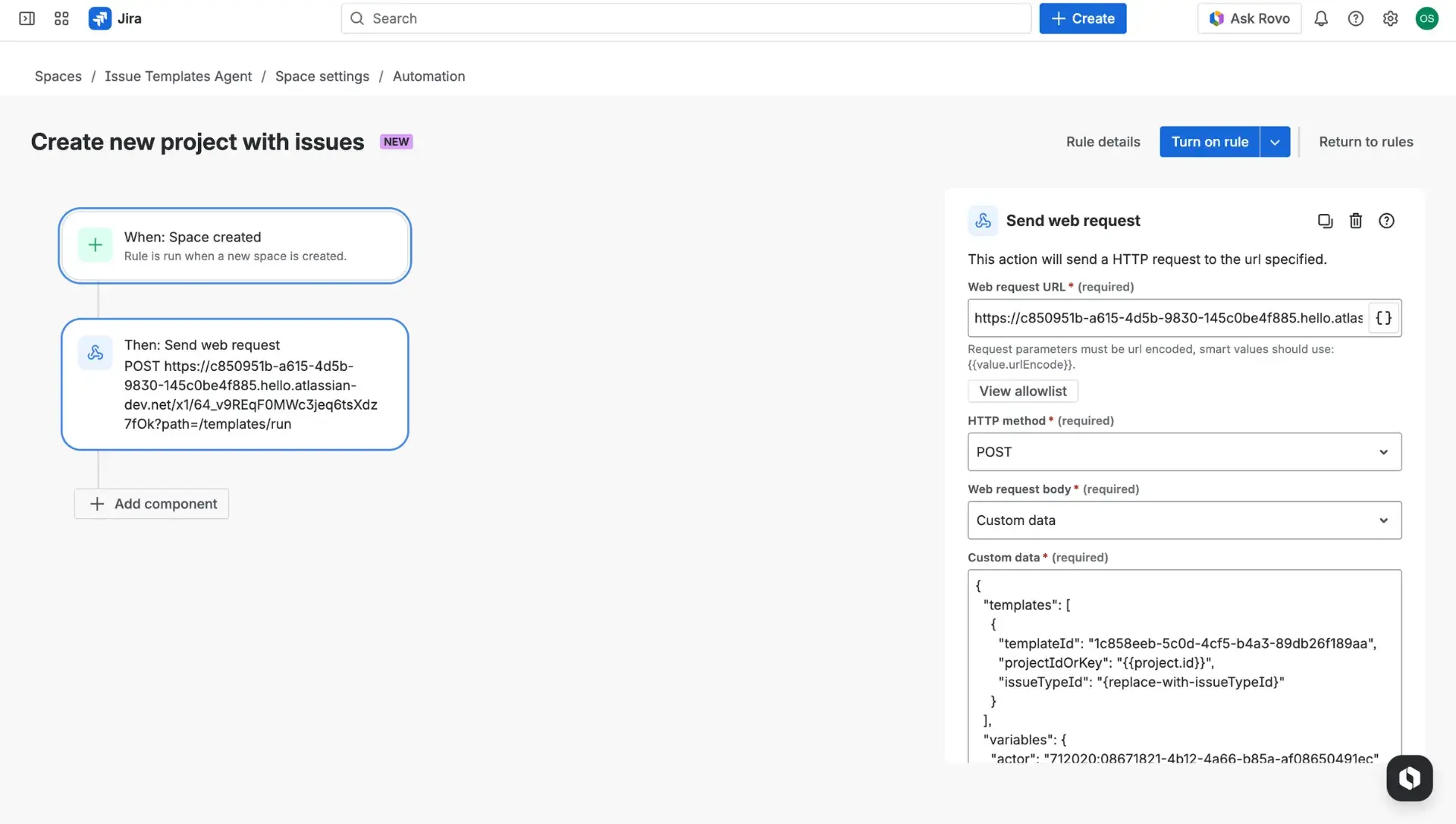
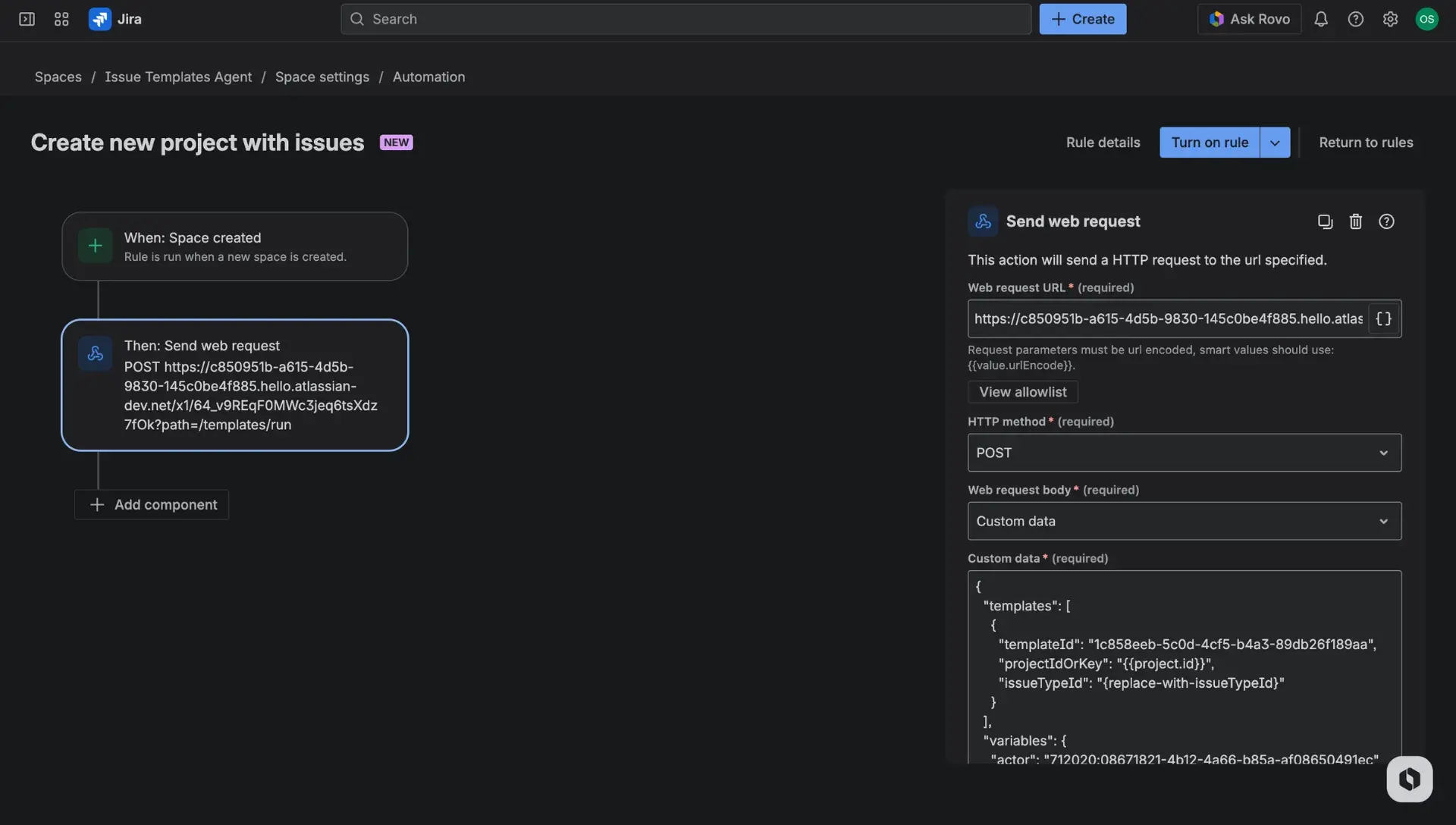
- Select the Send web request action.
- Paste the REST API URL.
- Set the HTTP method to POST.
- Change the Webhook body to Custom data.
- Paste the JSON data from the If you want to create a new issue section of the app.
- Find the issueTypeId row in the JSON body and replace the placeholders with the specific IDs for the desired Jira story or task types.
- Save and turn on the rule to enable the automatic population of all new projects.