REST API
Advanced plan feature
This feature is a part of our Advanced Plan. If you are interested, check out this version on Atlassian Marketplace.
Combining Jira issue templates with Jira automation and the REST API increases efficiency. Automating the creation of standard tasks and hierarchies removes repetitive manual work. This ensures that key processes - like using an employee offboarding template or starting a new project - are always consistent. Automated Jira issue creation helps teams move from manual management to a structured workflow.
New: Native Jira automation action
Issue Templates Agent now offers a native Jira automation action: Use Templates. This feature provides a more direct, user-friendly way to apply templates within automation rules without the need for manual REST API configuration. Learn how to use the native Use Templates automation action here.
Transforming workflows with smart automation
Rather than manually populating every ticket, combining Jira automation with templates allows for high-impact shortcuts. Some of the most effective ways to utilize this pairing include:
- Dynamic field updates: Triggering a template to automatically fill in data on an active ticket the moment a specific event occurs.
- Instant hierarchy building: Creating an entire parent-child structure - like an onboarding epic with every associated task - in one motion.
- Project foundation: Creating new projects with a baseline of essential issues so teams can hit the ground running.
- Managing the calendar: Scheduling recurring tasks to generate themselves at set intervals, ensuring routine maintenance never slips through the cracks.
How to configure a template for REST API automation?
Moving from a great idea to an active automation requires a few technical building blocks. To establish a secure and functional connection between Jira’s automation engine and the REST API, the following components are essential:
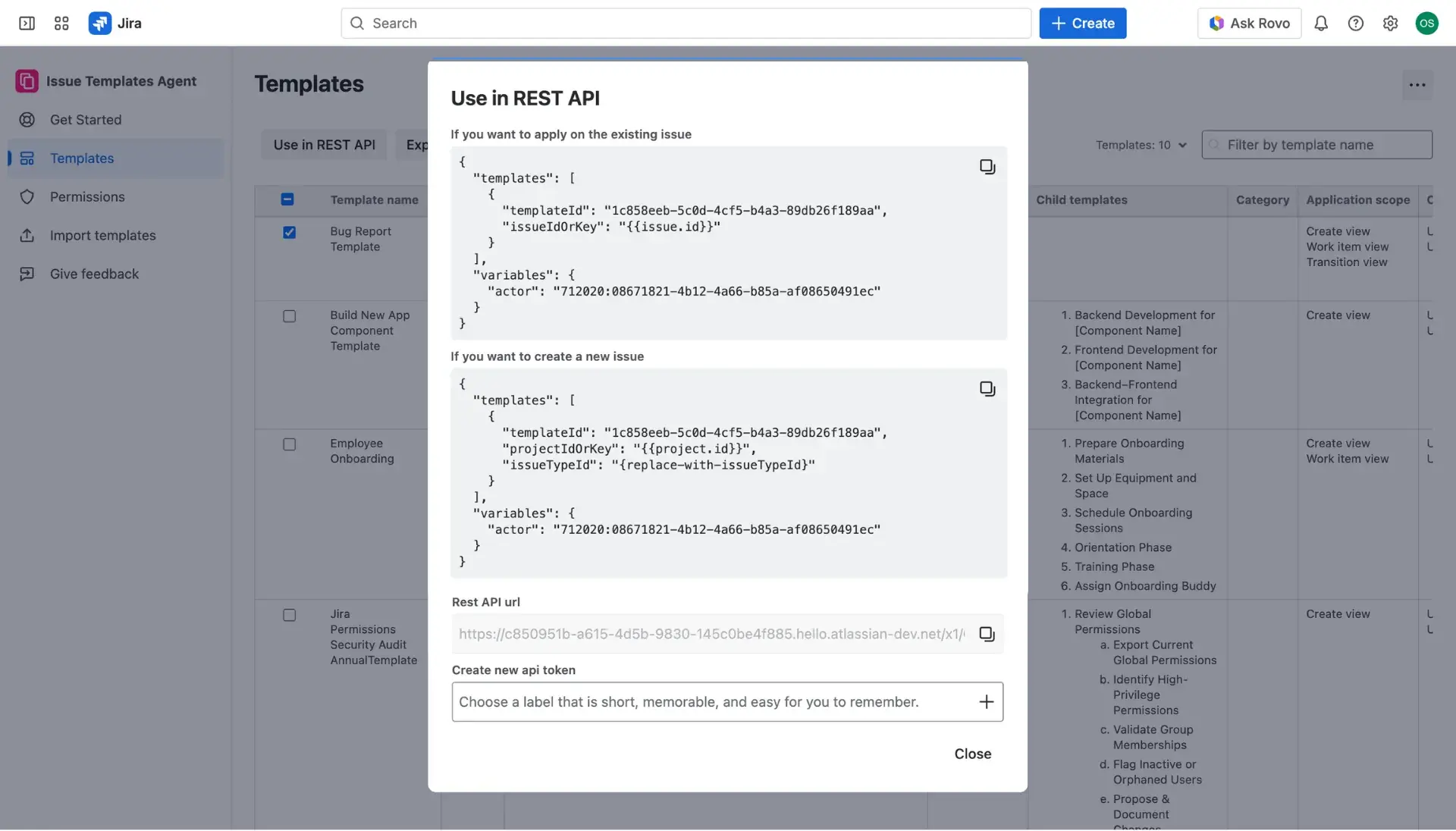
- API Token: A unique security key generated directly within the app to authorize the request.
- REST API URL: The specific destination address provided by the application.
- Request body: The JSON “blueprint” for automation. Note that when generating a brand-new issue, the issueTypeId needs to be defined within this body to tell Jira exactly what kind of ticket is being built.
Generating the API Token
Since every REST API use case relies on a secure connection, generating a token is the first order of business. Follow these steps to get started:
- Navigate to the Apps menu, select Issue Templates Agent > Templates.
- In the Template library, select the templates intended for automation by checking the boxes in the first column.
- Click the Use in REST API button located above the table.
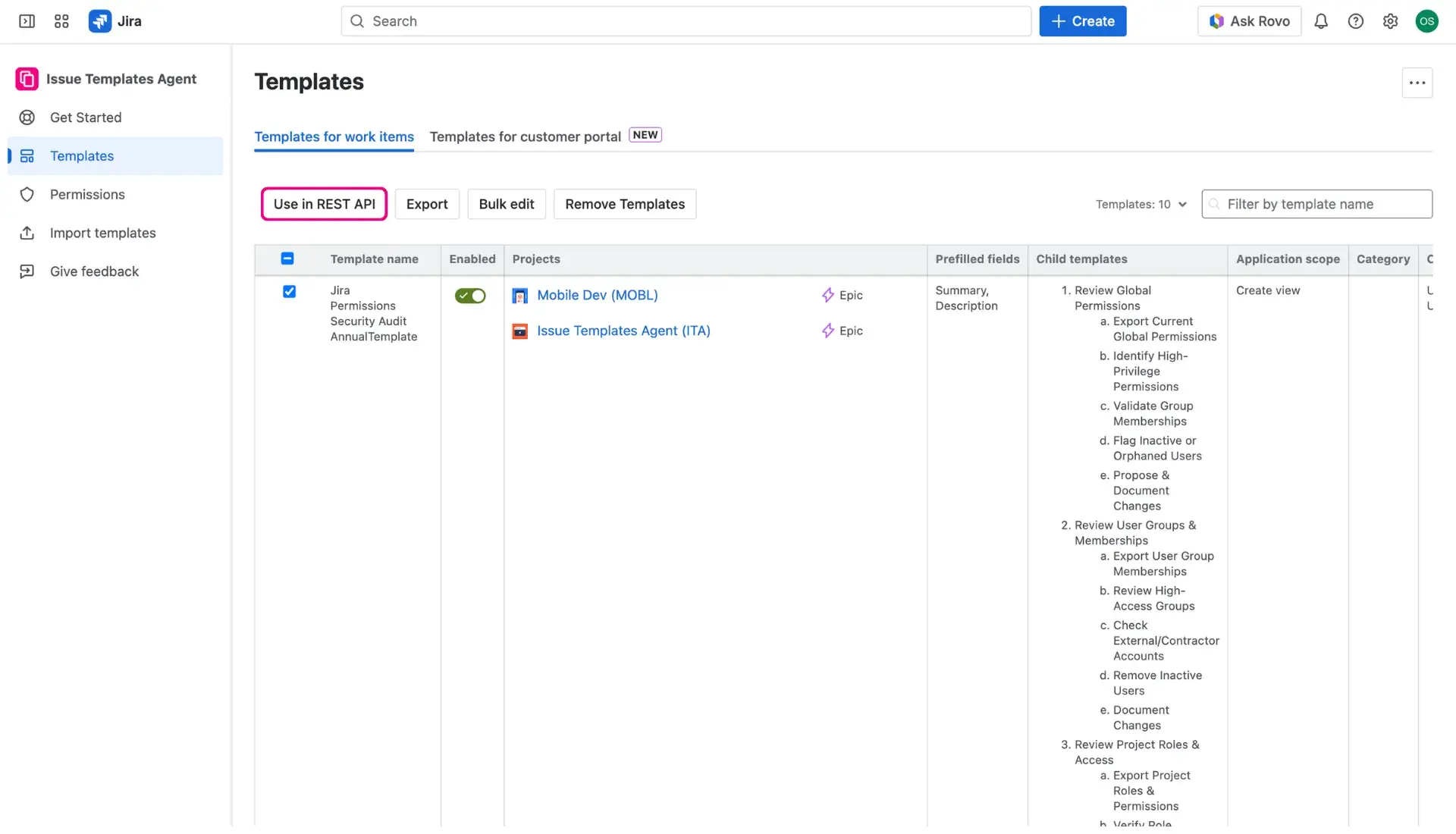

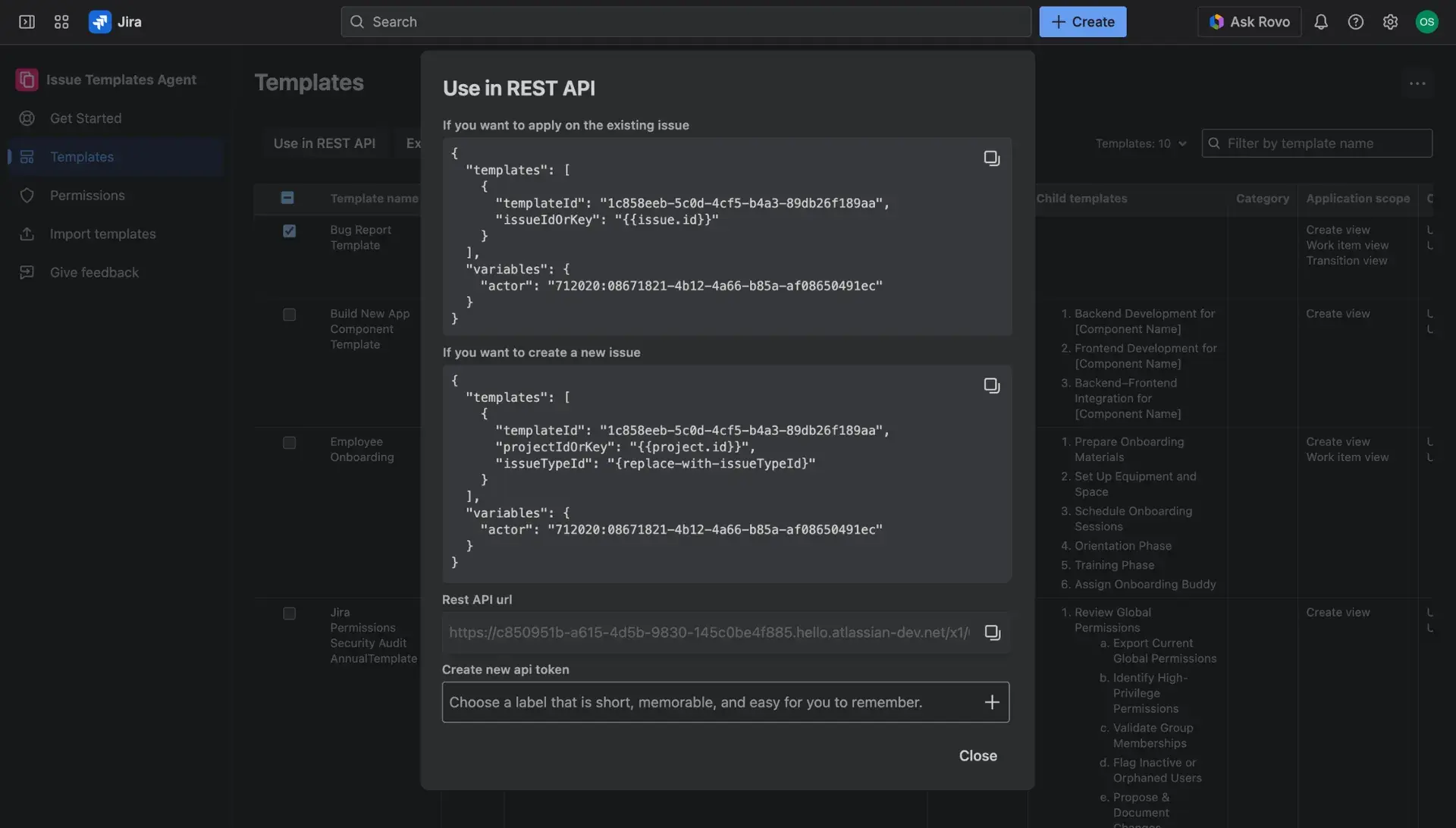
- In the new window, create a label for the token and click the plus-sign button to generate the token.
- Copy the token and the REST API URL - these details will be needed for the final automation rule.
Remember
Automations connected to creating new project could only be found in global Automation page.