HubSpot custom fields
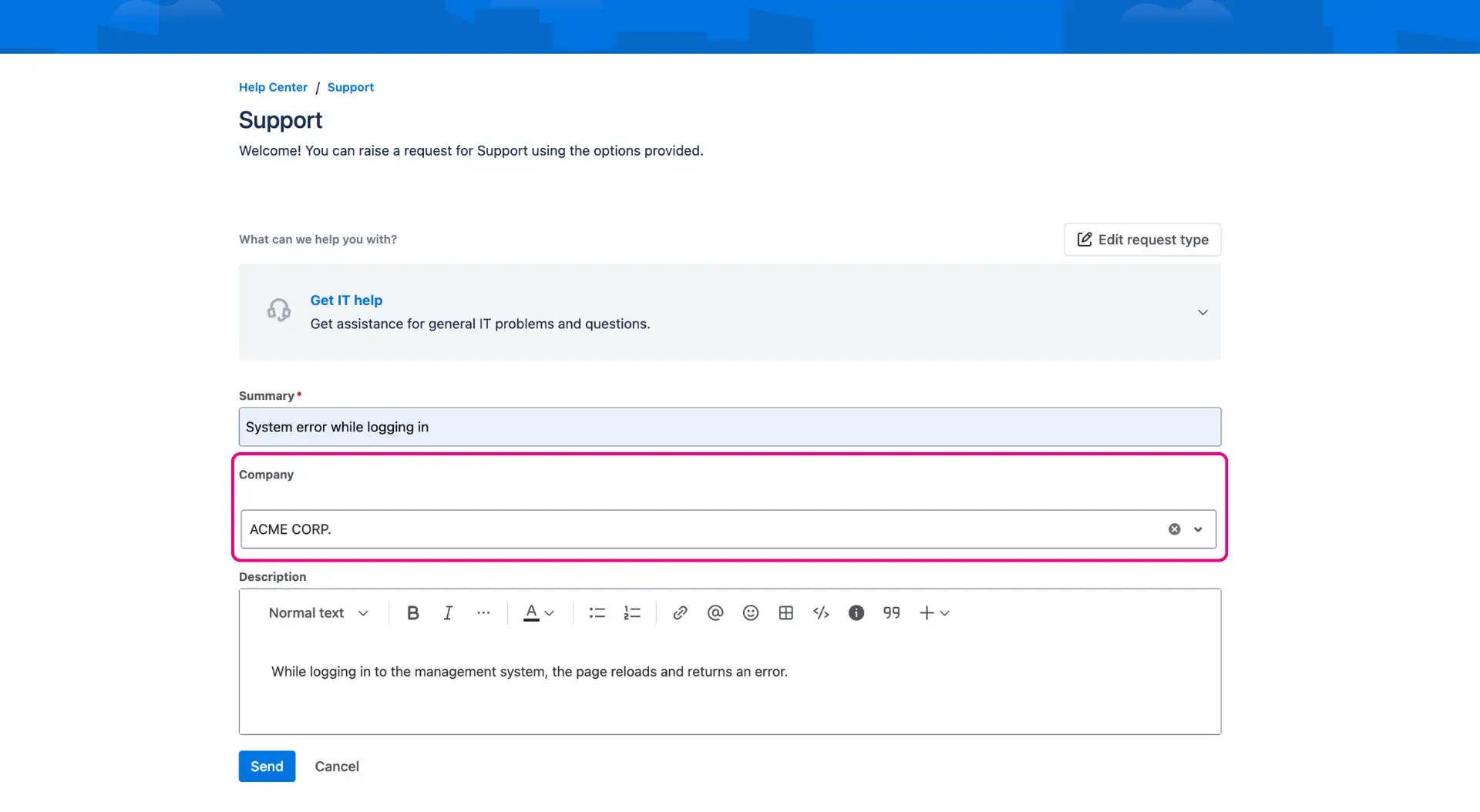
For the users to quickly access contacts from the HubSpot database, Jira work item can be linked with HubSpot objects by a custom field. Users can choose between single and multi-select fields.
How to create the custom field?
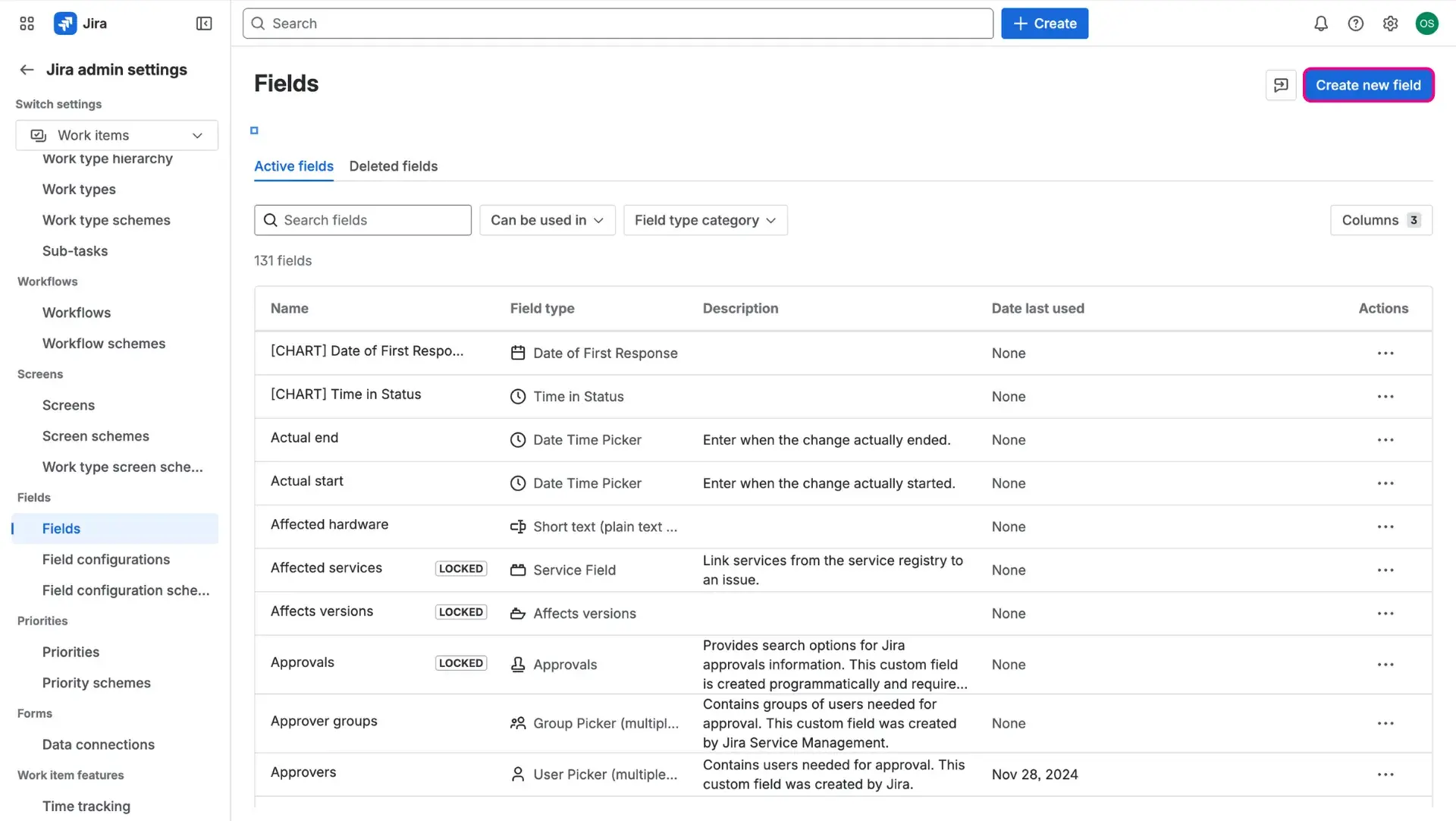
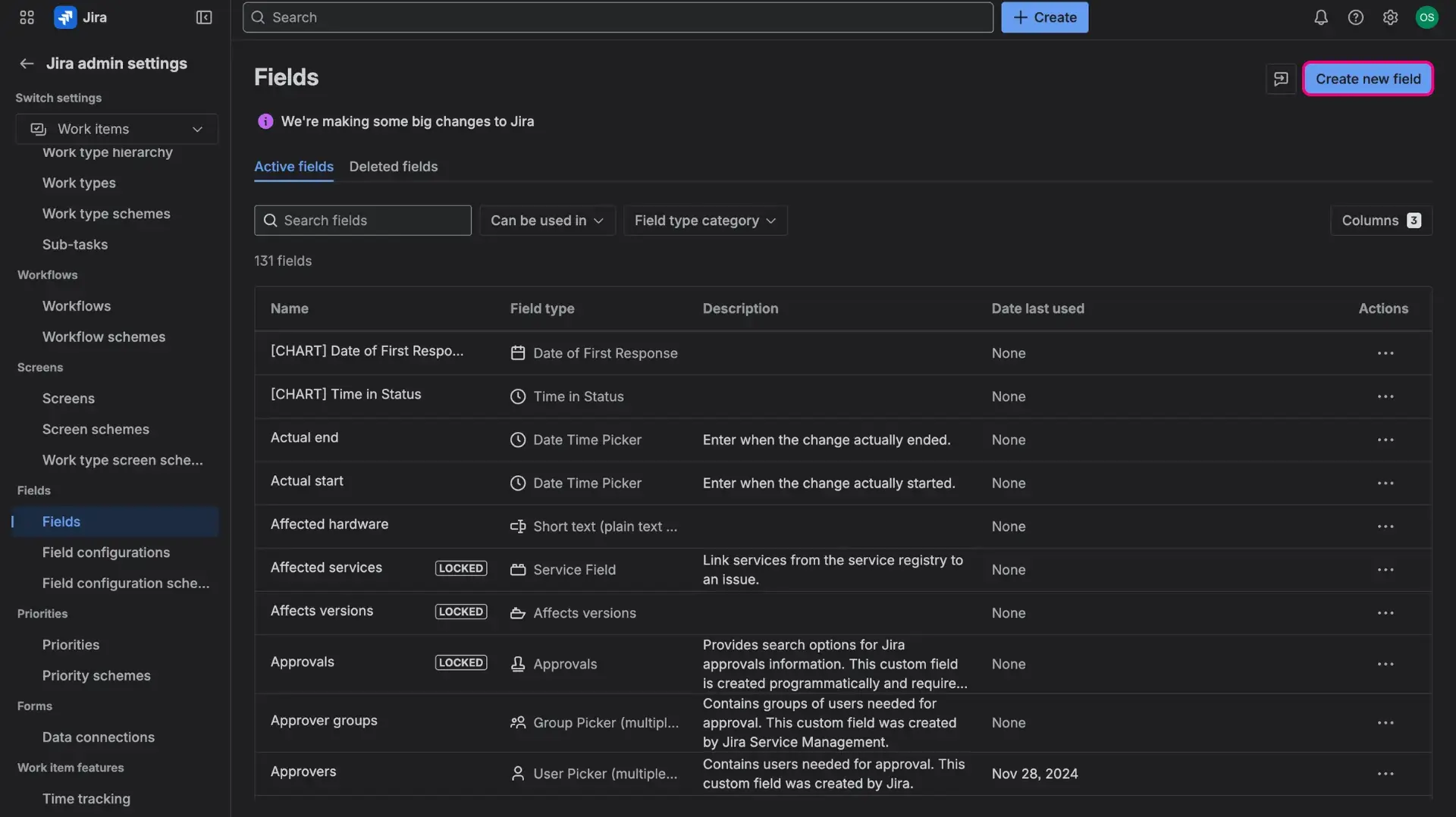
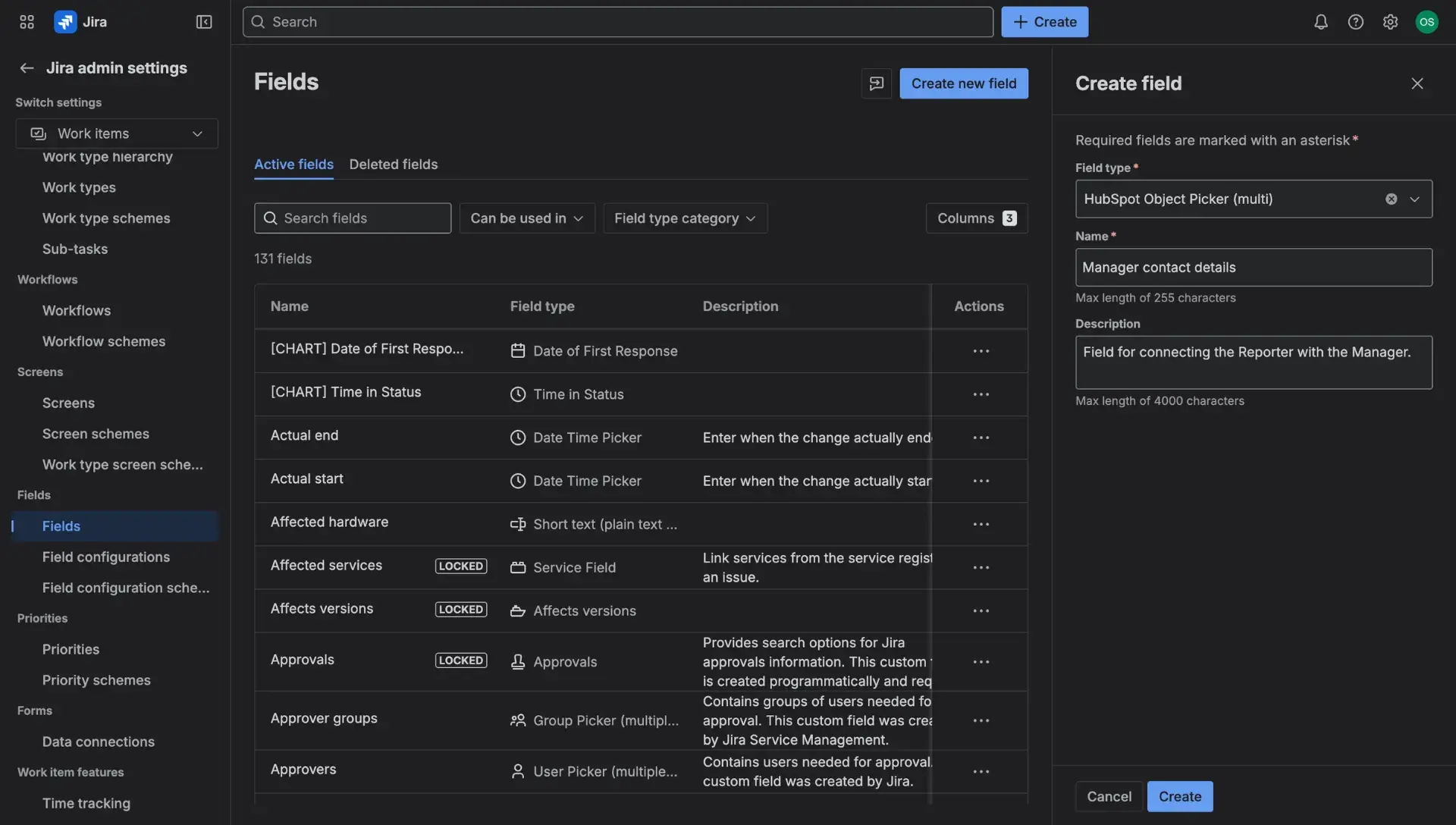
Go to Settings (cog icon) > Work items > Fields.
Then select Create a field.
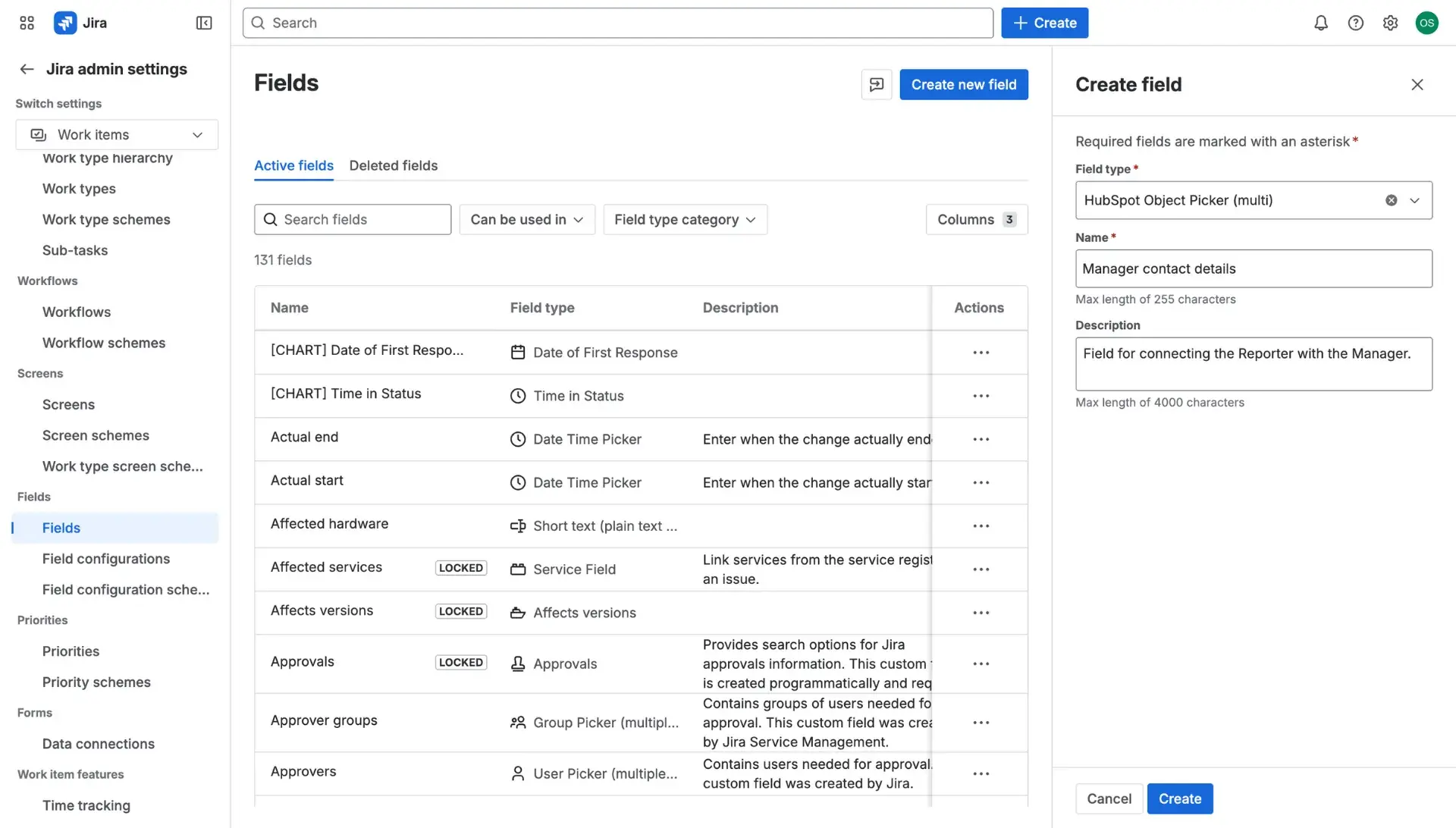
Look for HubSpot Object Picker (Multi or Single).
Add name of choice, along with descriptions of the custom field. Once finished, click Next.
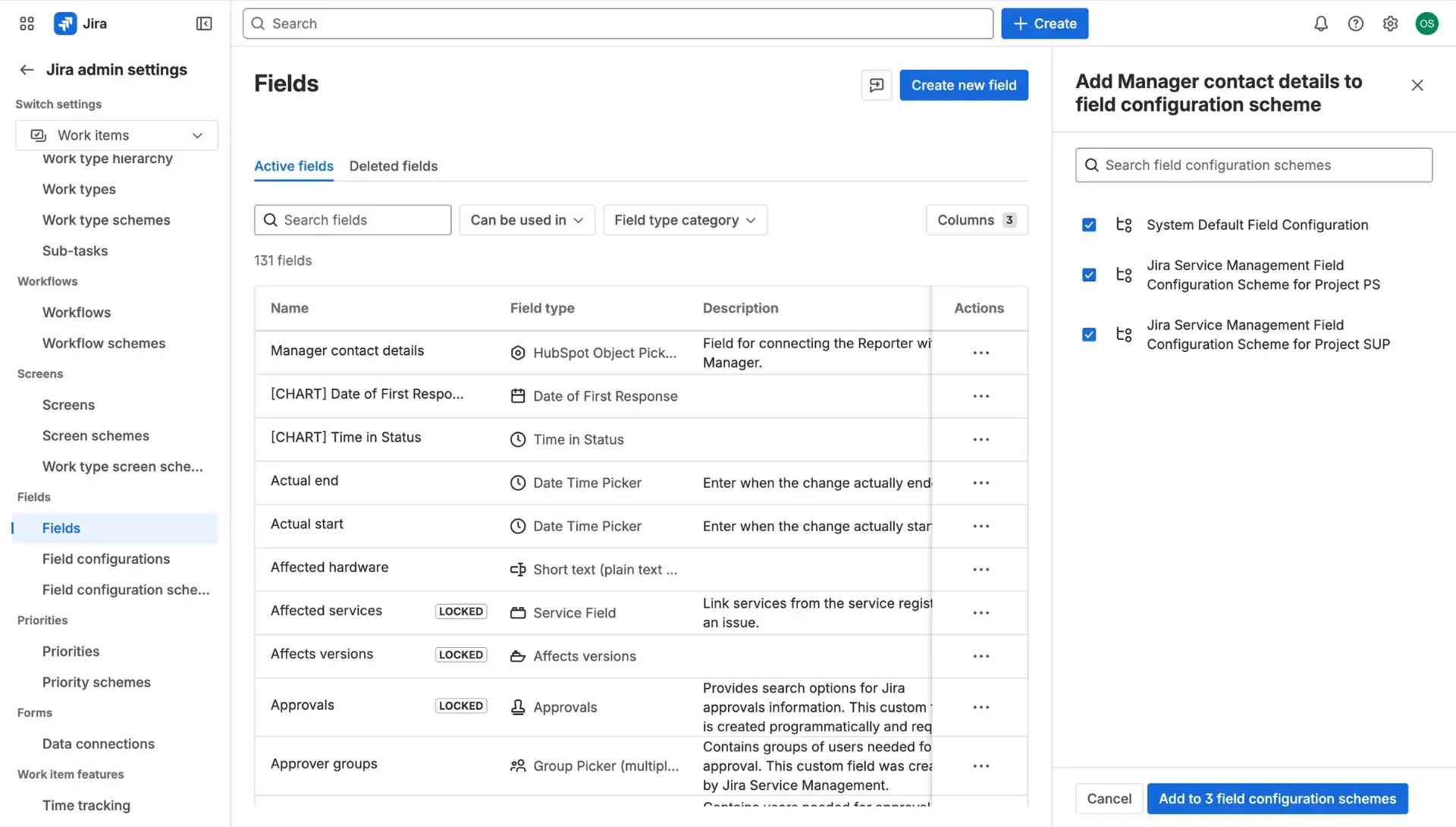
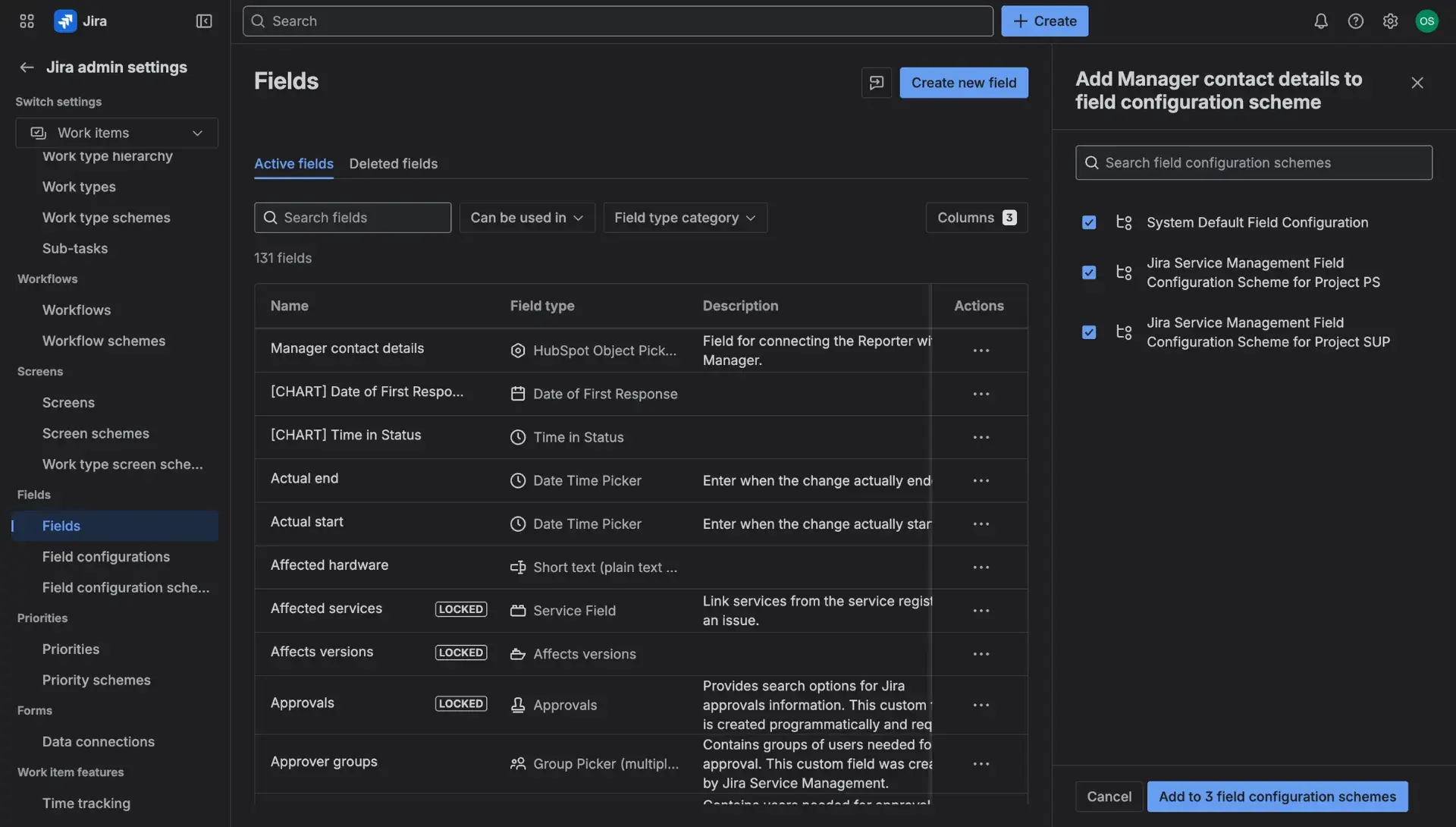
- Once the custom field is created, the field has to be associated with appropriate screens.
HubSpot custom field configuration
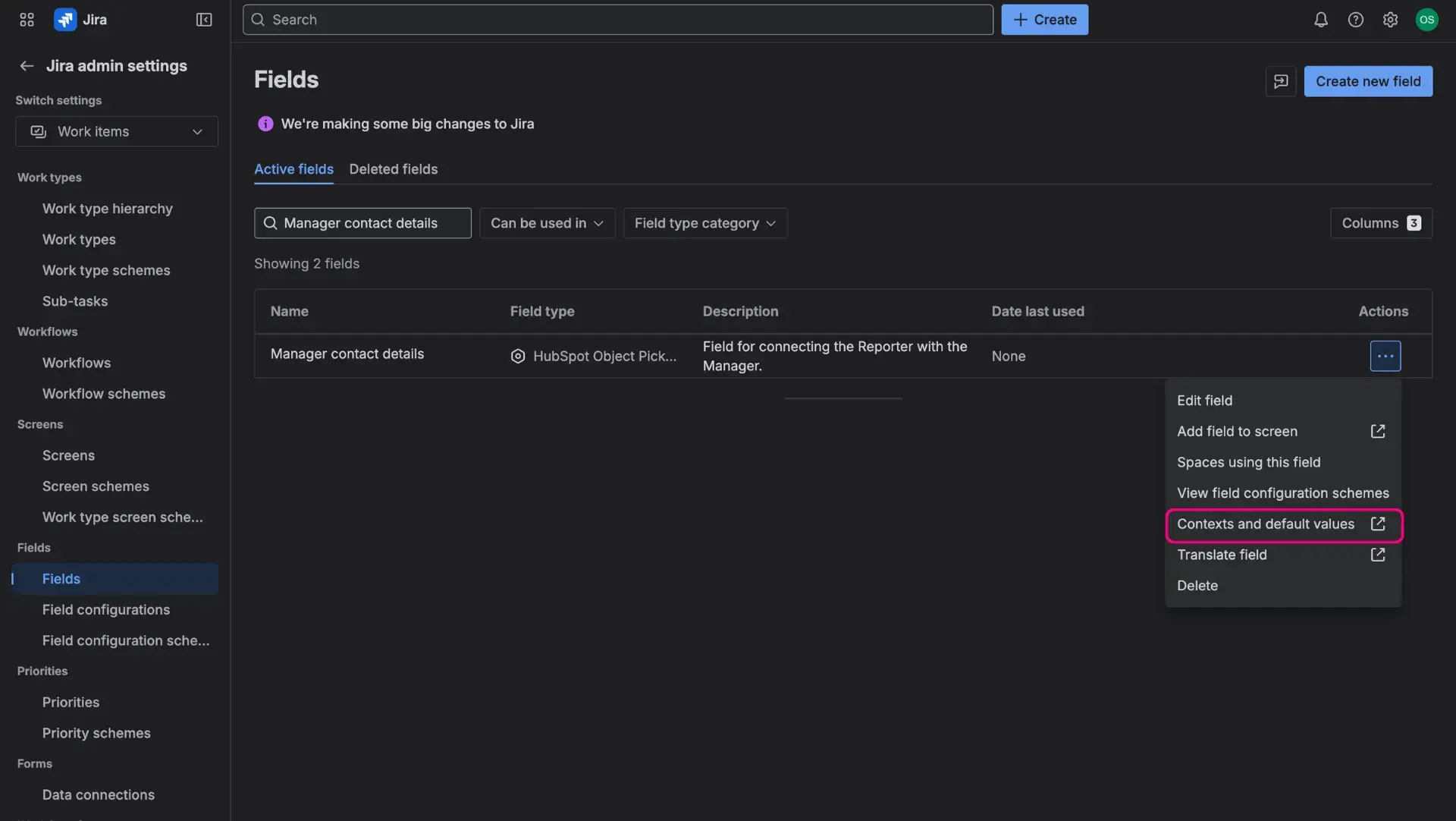
- Look for the custom field on the Fields page. Click on the More options menu (three dots) and access Contexts and default values.
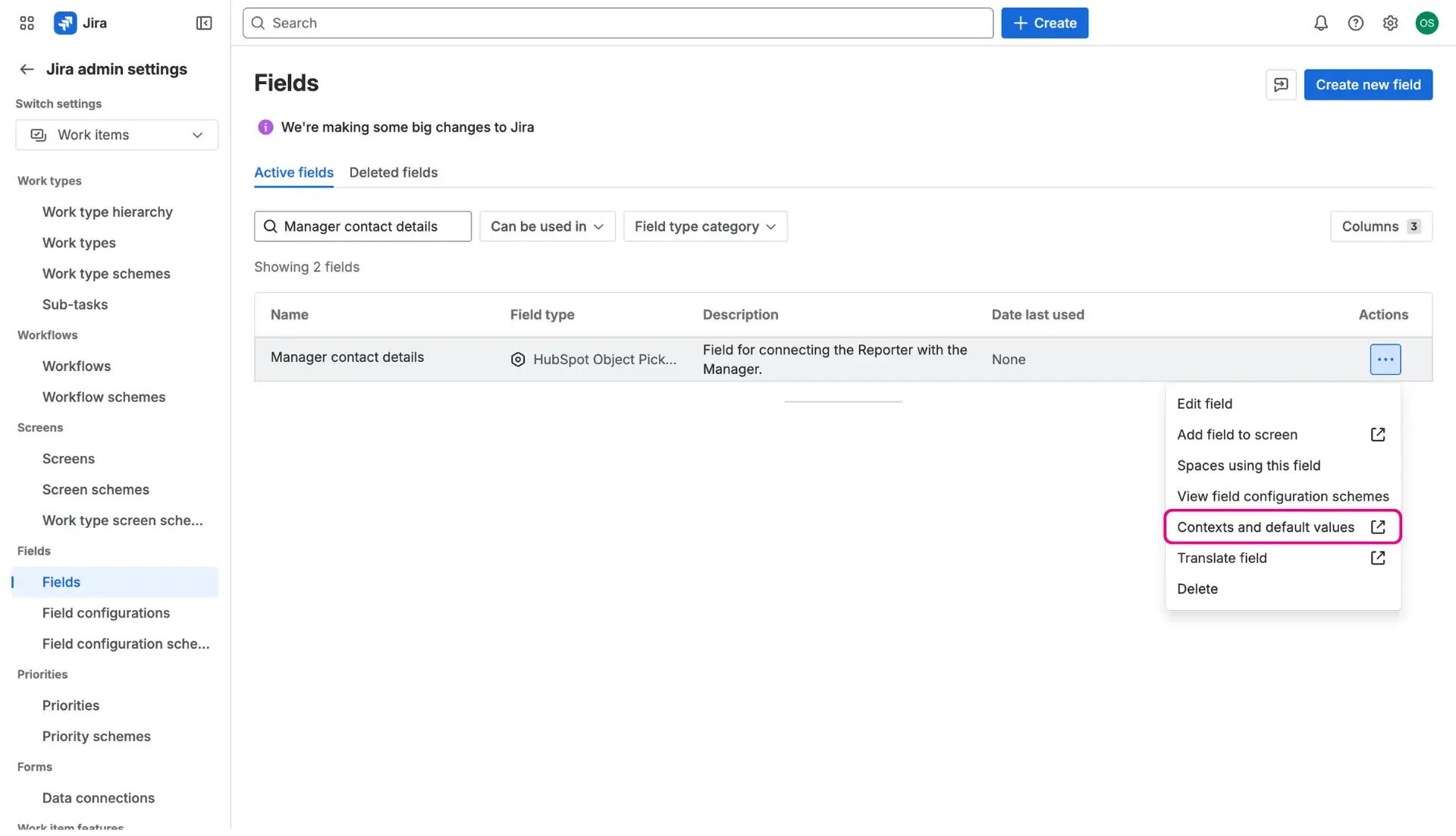
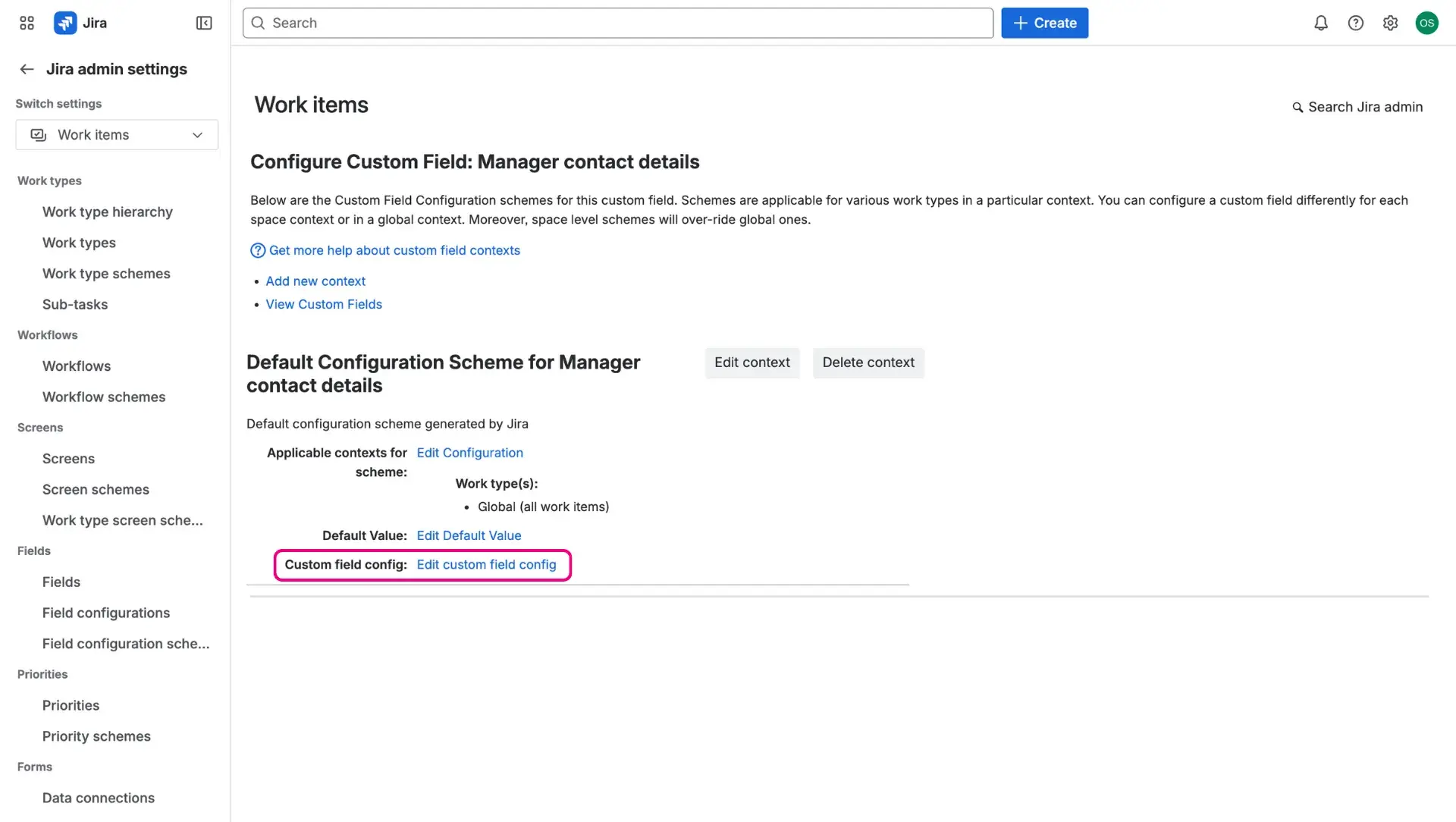
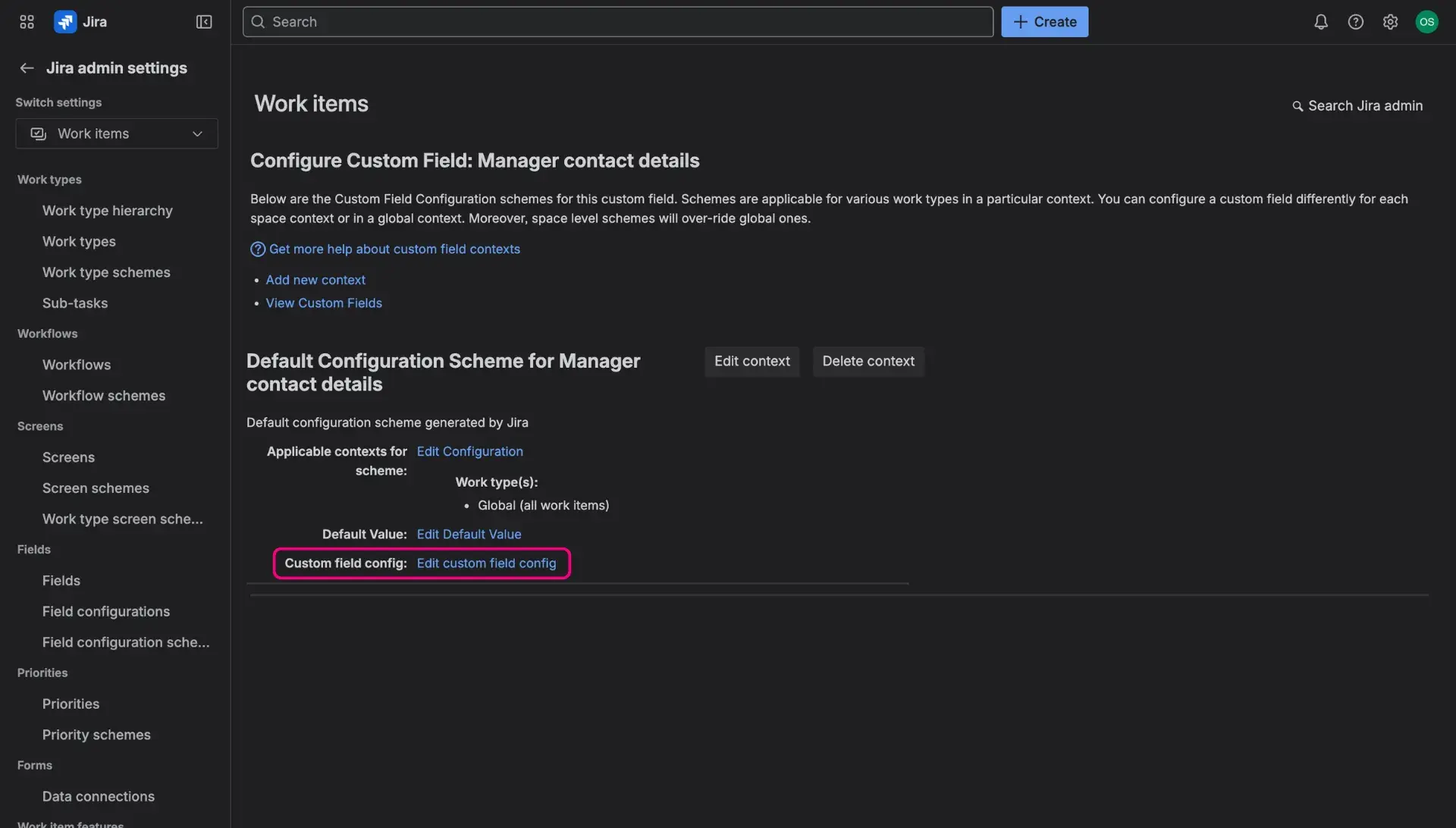
- There, select Edit custom field config.
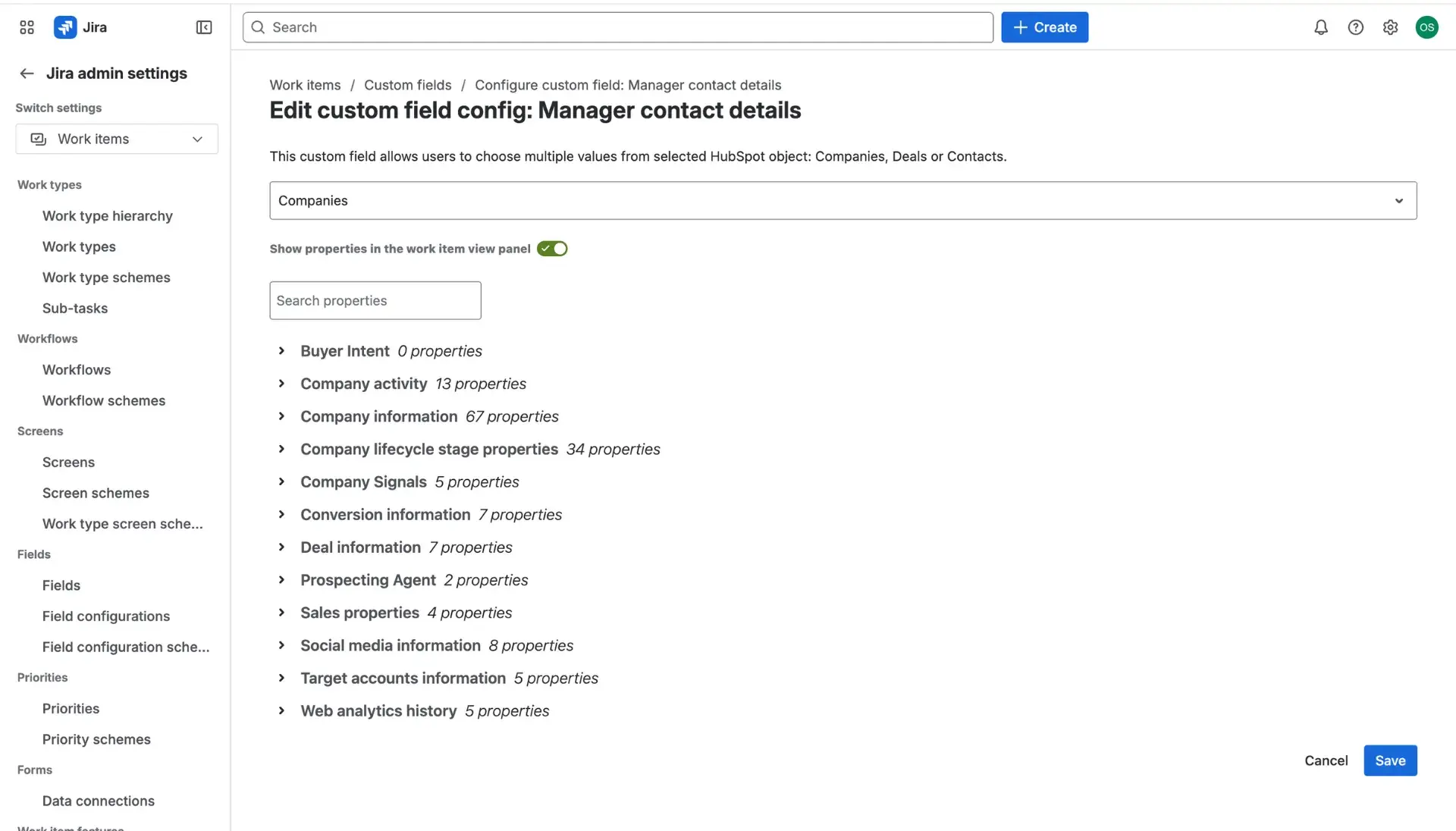
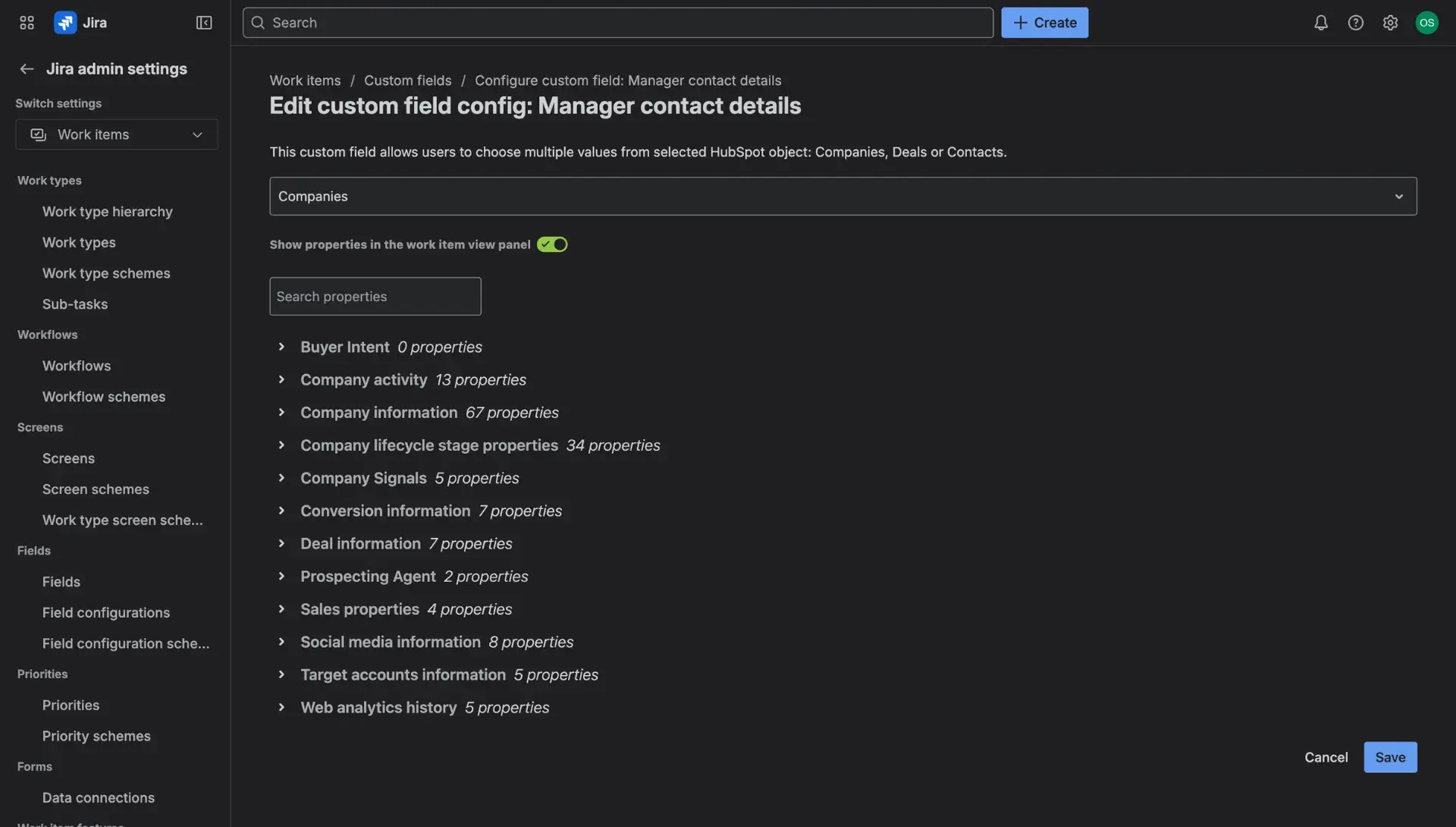
- In the new window, users can choose between HubSpot objects that the field will be associated with to view information.
- Below, users can also select properties that can be displayed in the HubSpot CRM Integration panel in the work item view.
- The details can be also hidden by switching off the toggle at the top of the page.
Work item view
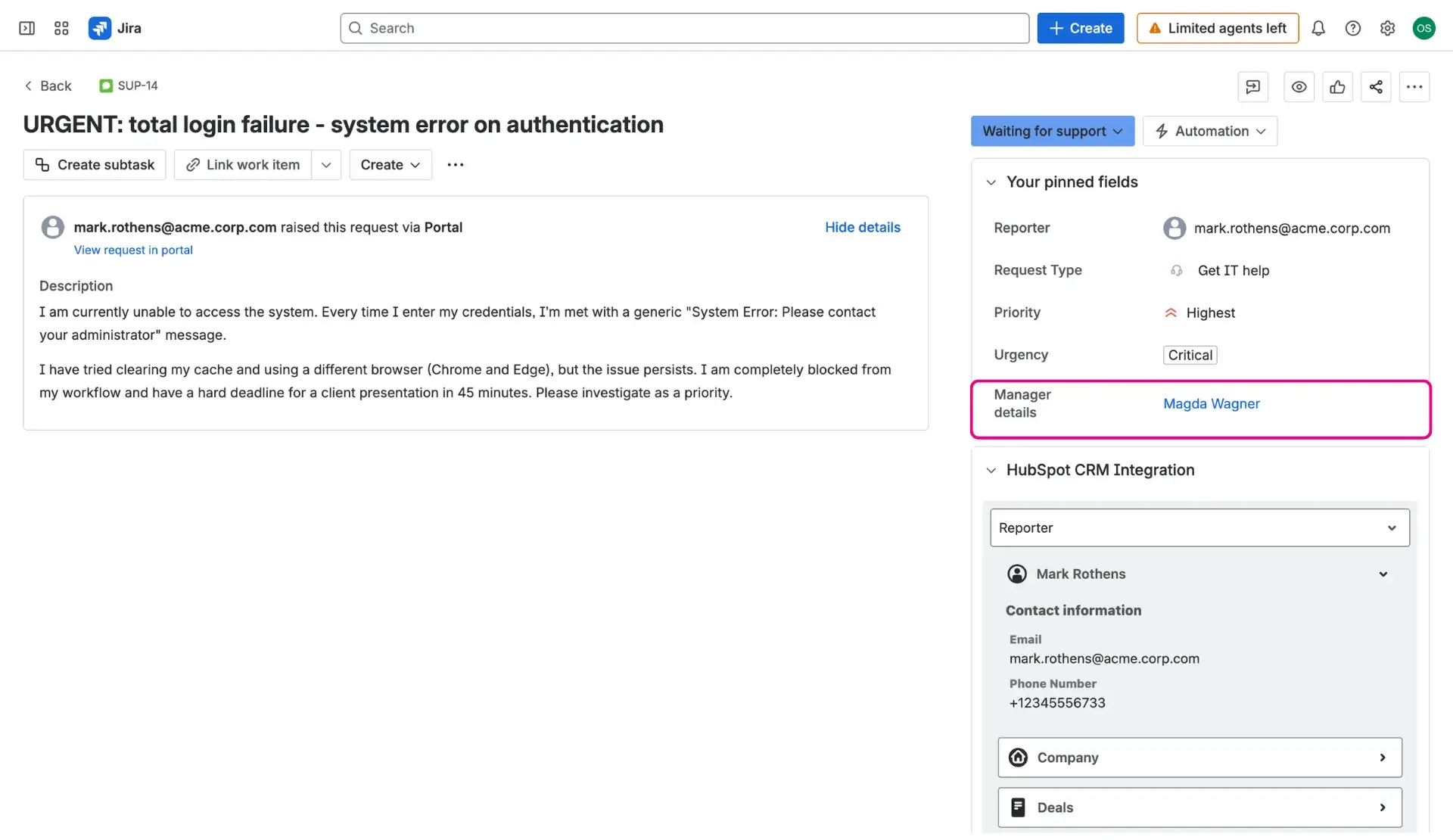
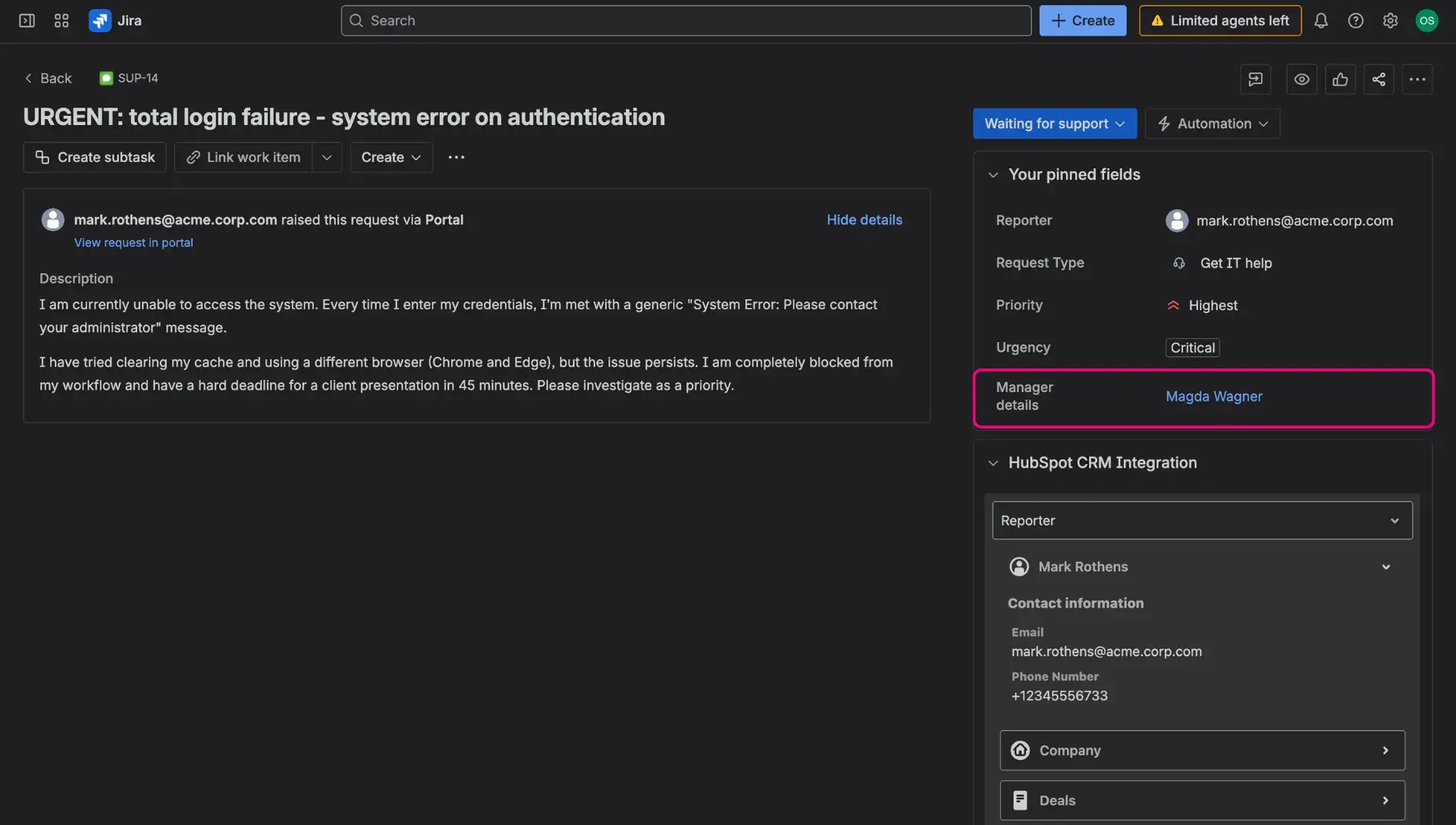
In order to see the custom field on the Work item view, it has to be associated with project’s default work item screen. After doing so, the field will appear in the Details panel on the right side. Users can search through the HubSpot database by typing an e-mail address or first/last name (for searching through Contacts), organization name (for Companies) and names (for Deals). Users ca also click on the contact and be redirected to the HubSpot database.
Additional information regarding values in HubSpot custom field can be viewed in the HubSpot CRM Integration panel on the right side.
Create work item view
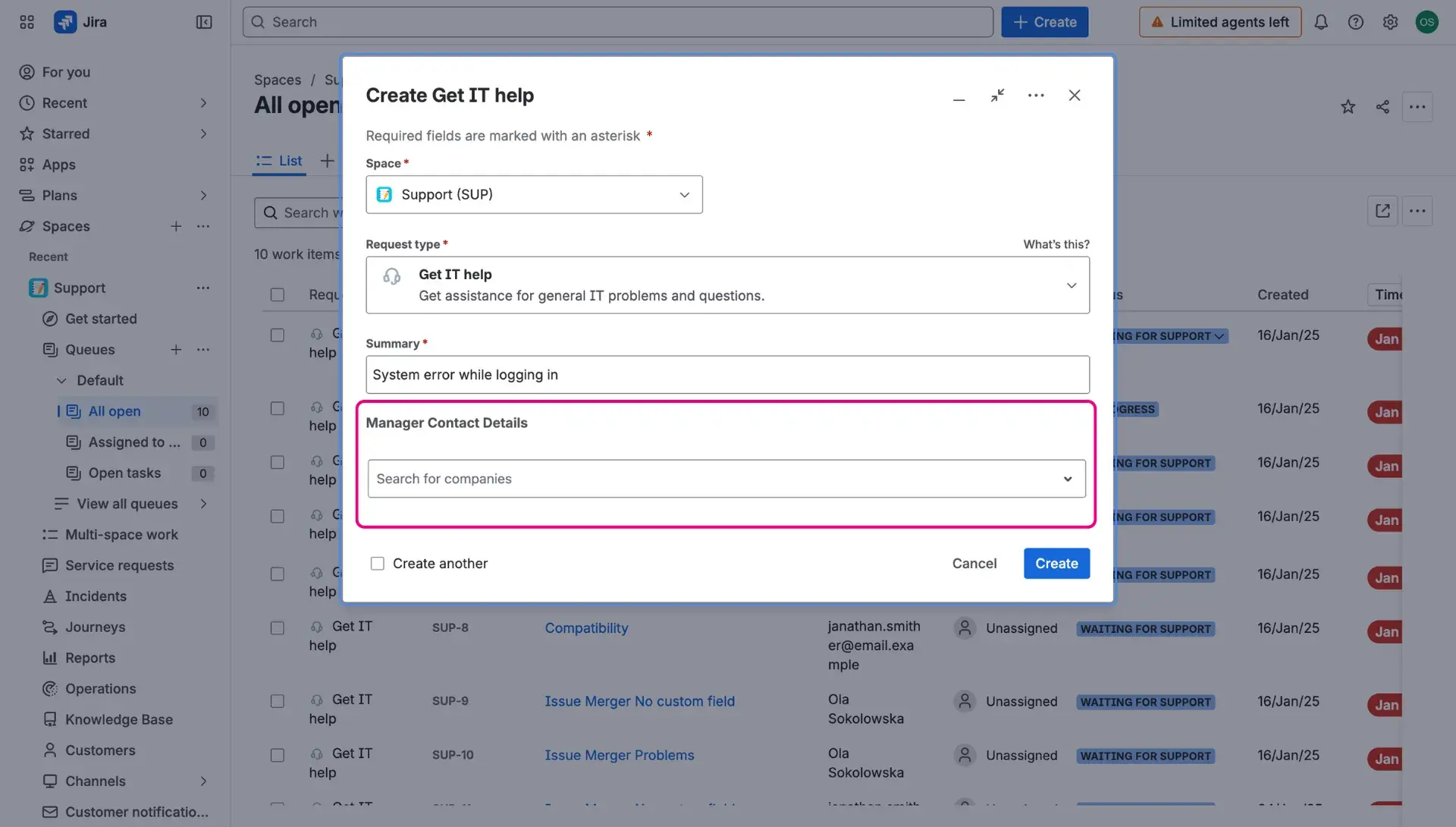
The custom fields can be added to the Create screen, so that the object details are already included within the work item. In order to do so, when associating with screens, the Create work item screen, individual to the project, has to be selected. When done, the field will appear among others when creating a work item.
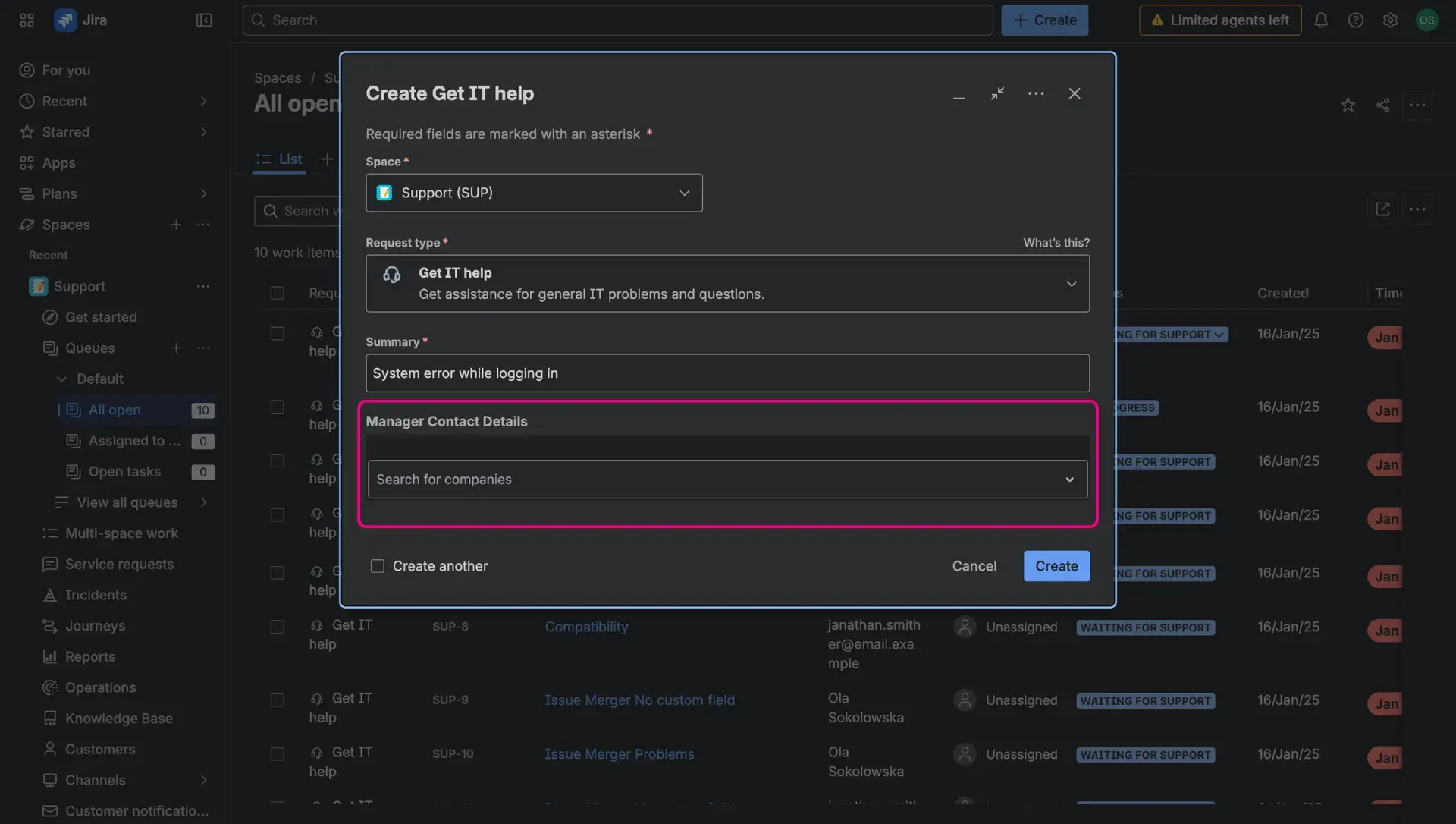
Request form view
The custom fields can also be present in the Request forms of JSM Service Desk projects. Details regarding configuration can be found here.