Connecting HubSpot to Jira
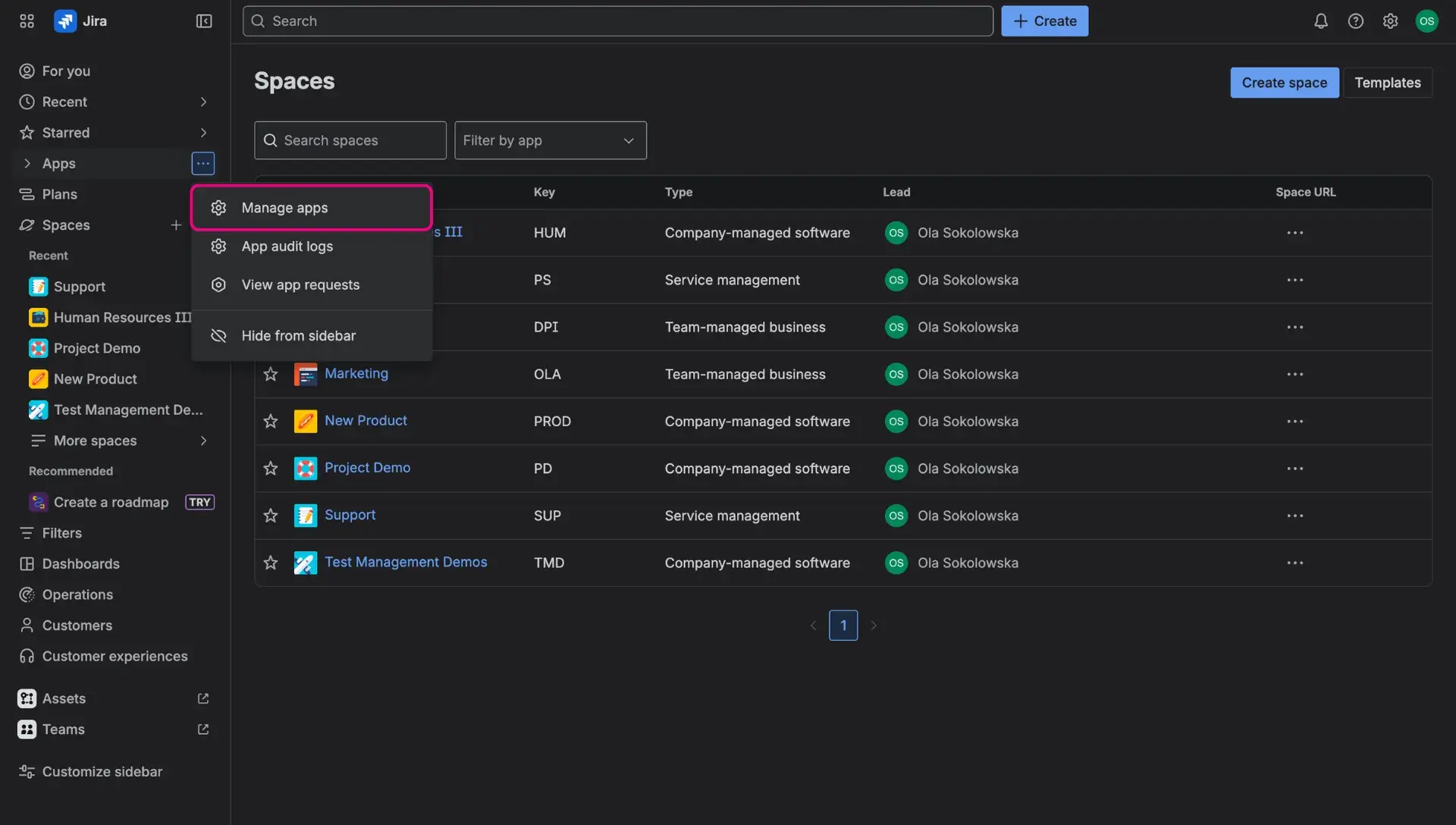
In order to configure connection with selected HubSpot instance, users need to go to Apps > Manage apps and select HS CRM Integration.
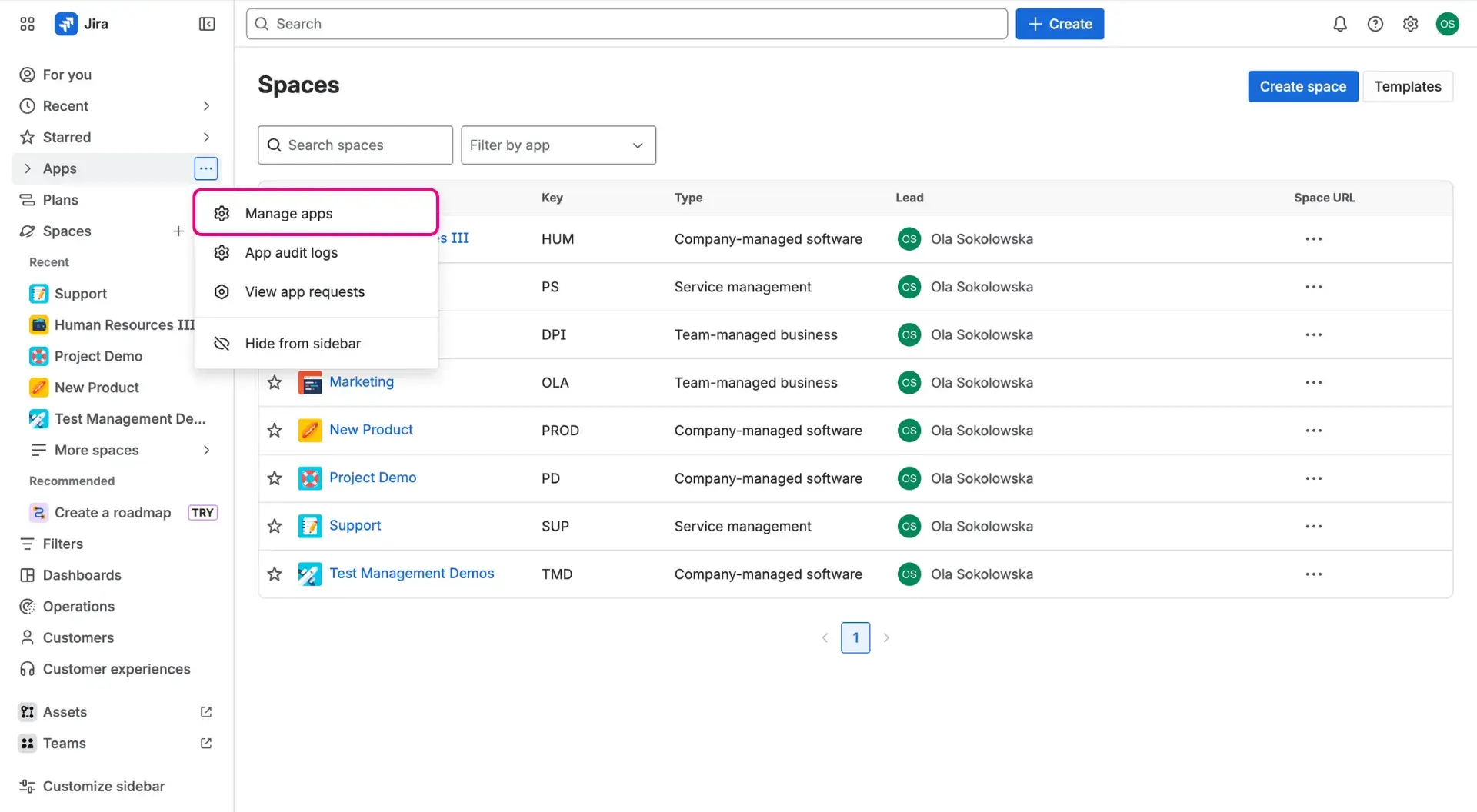
- If this is the first ever configuration of the connection, it has to be authenticated by clicking the Allow access button.
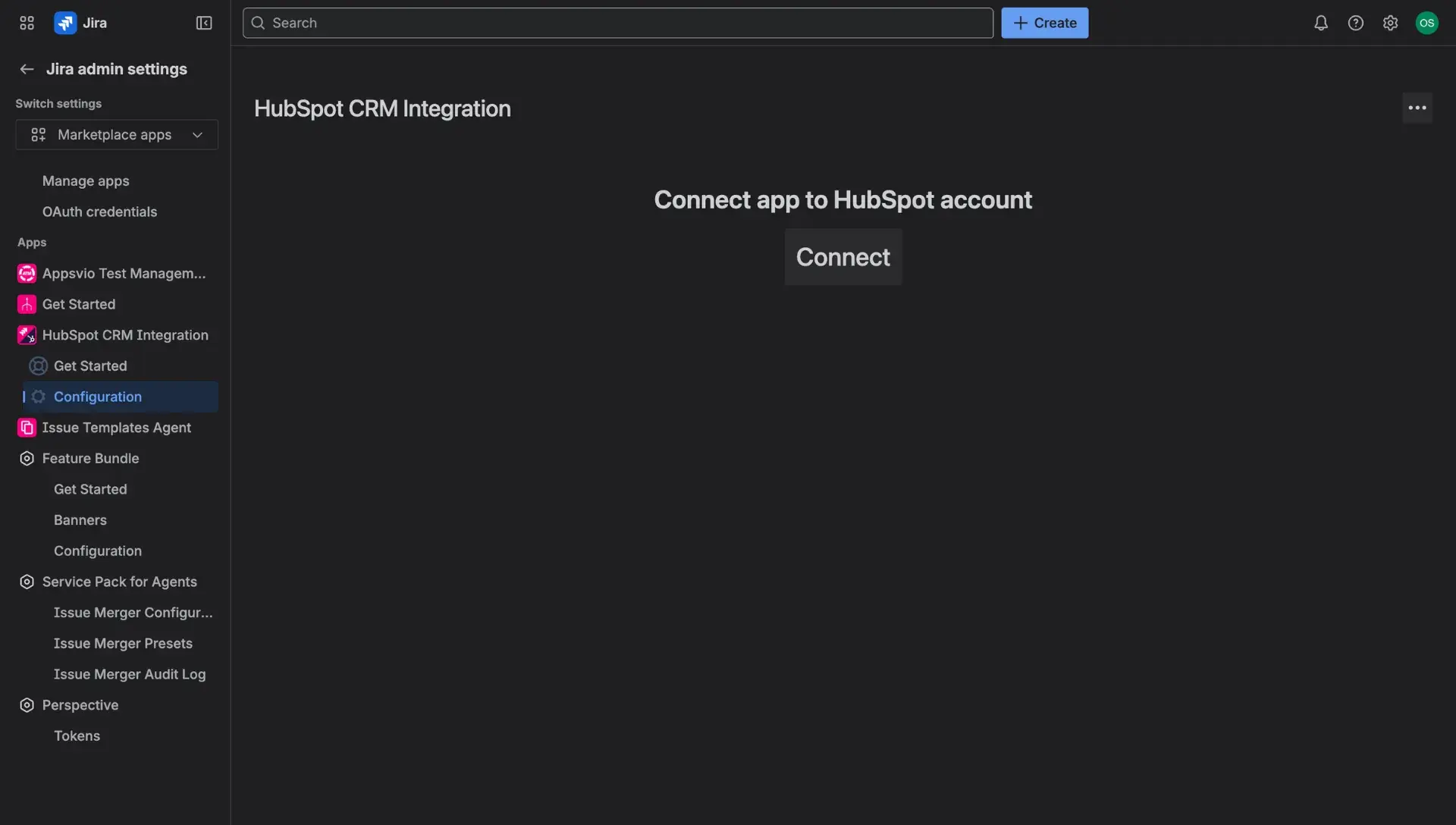
- After that, click the Connect button.
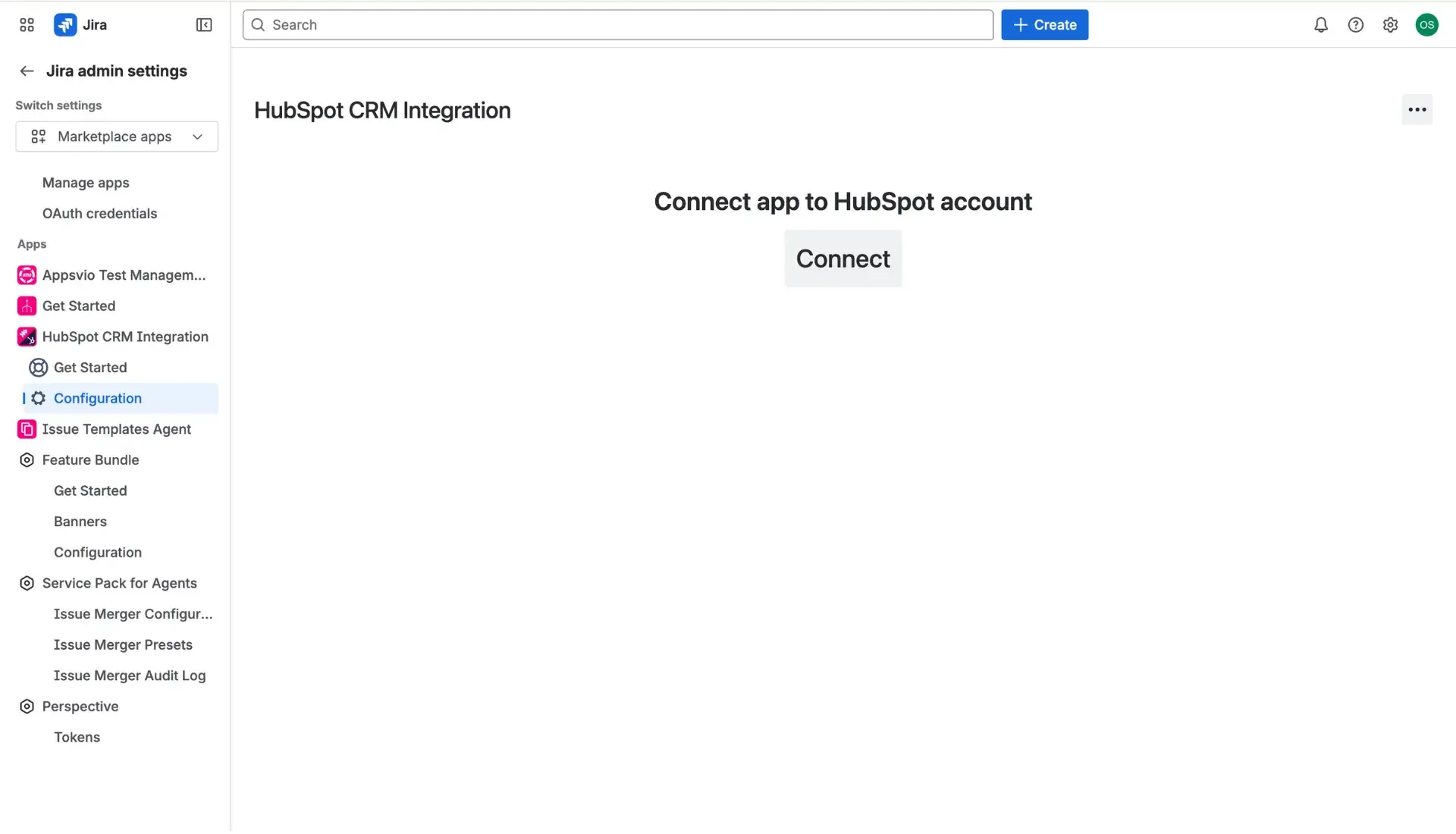
- Continue to HubSpot page and log in to the account as usual.
- Select HubSpot instance that will be connected.
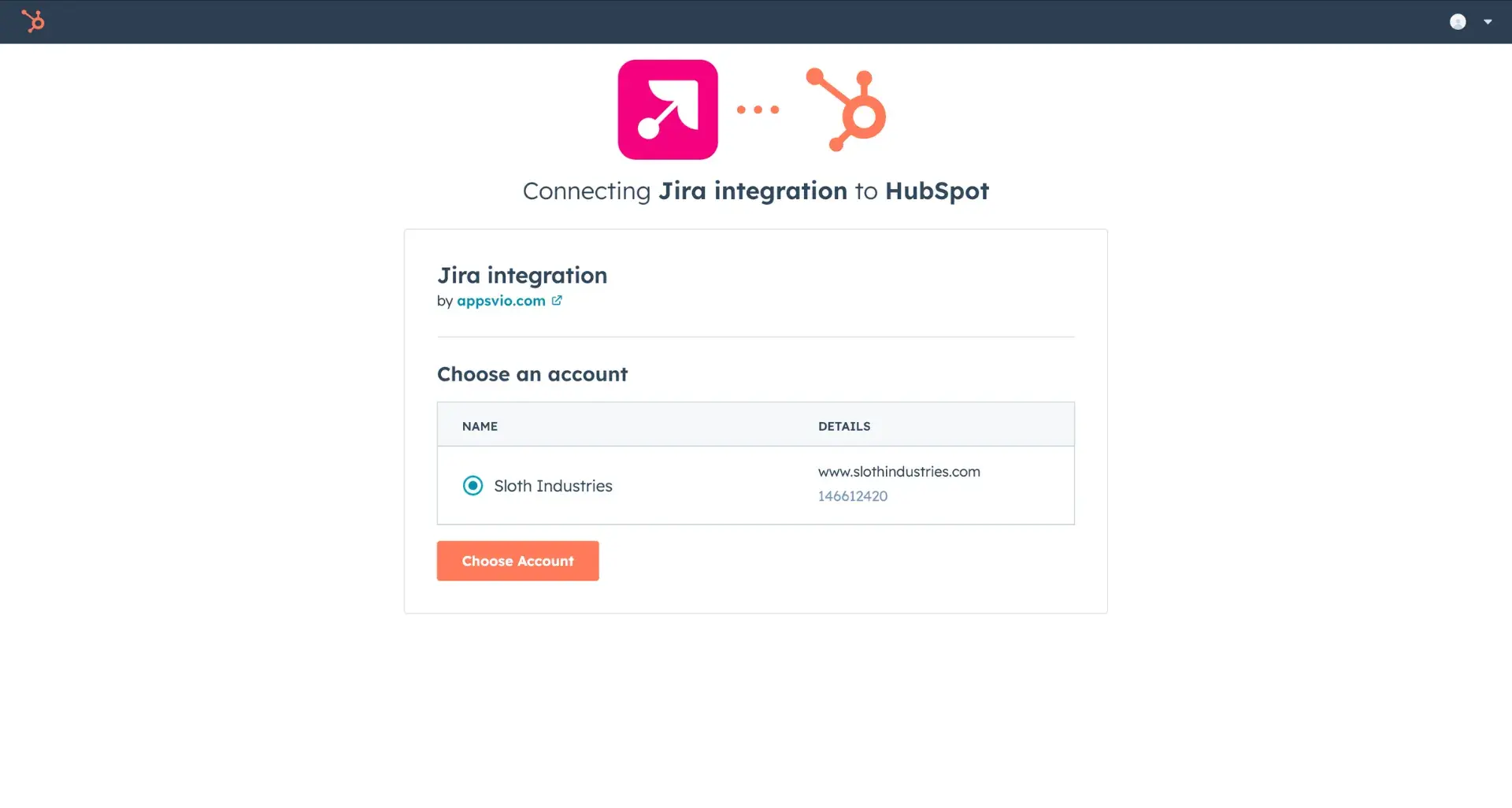
Once connected, user can move to properties selection, which will be displayed in Jira work items. More details can be found here.
Additional information